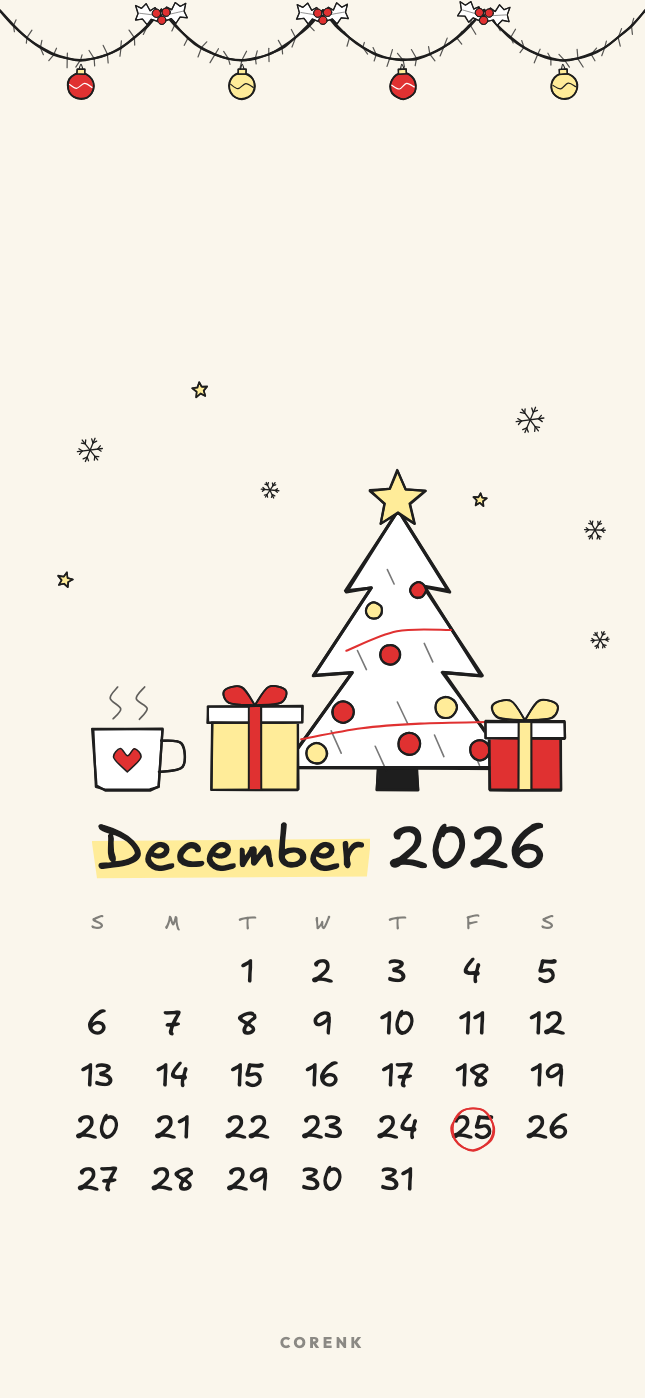
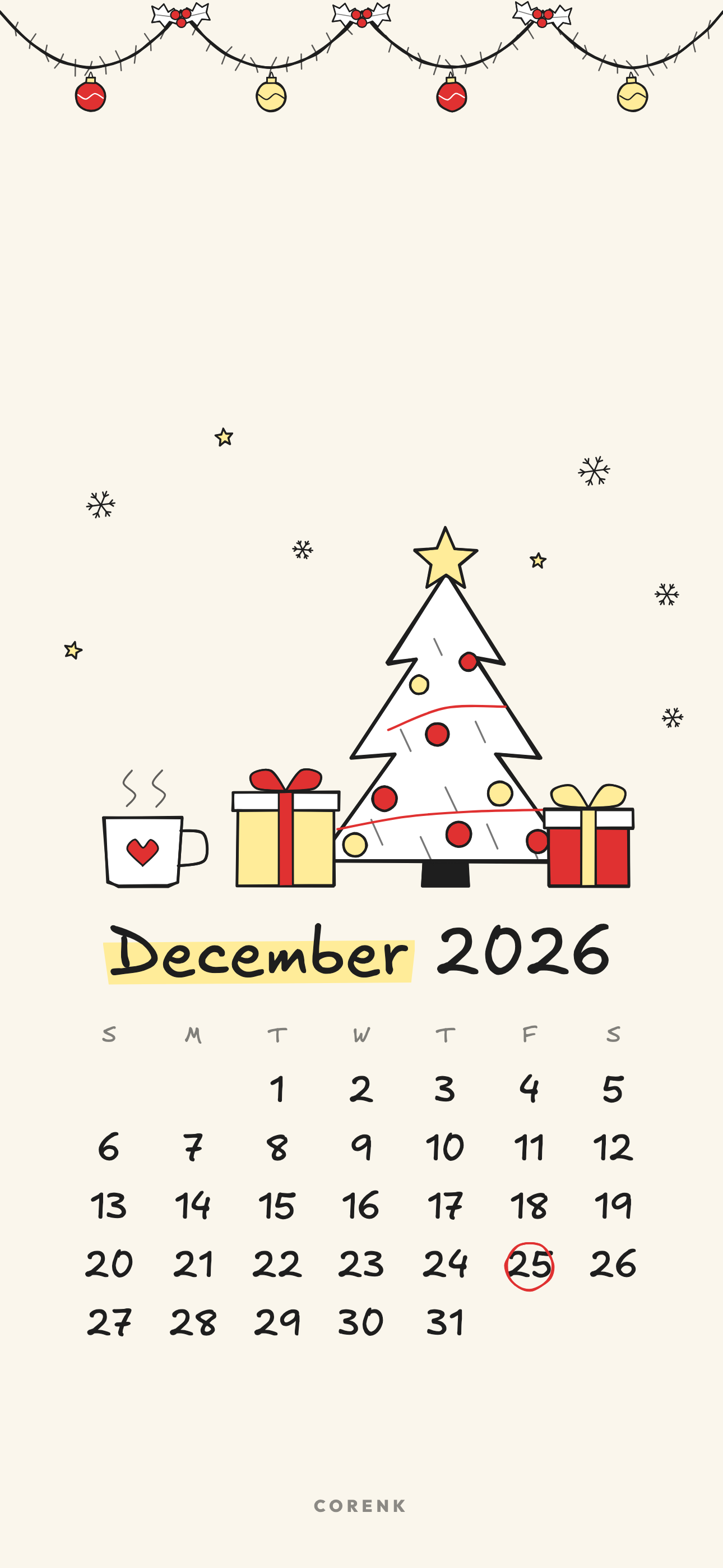
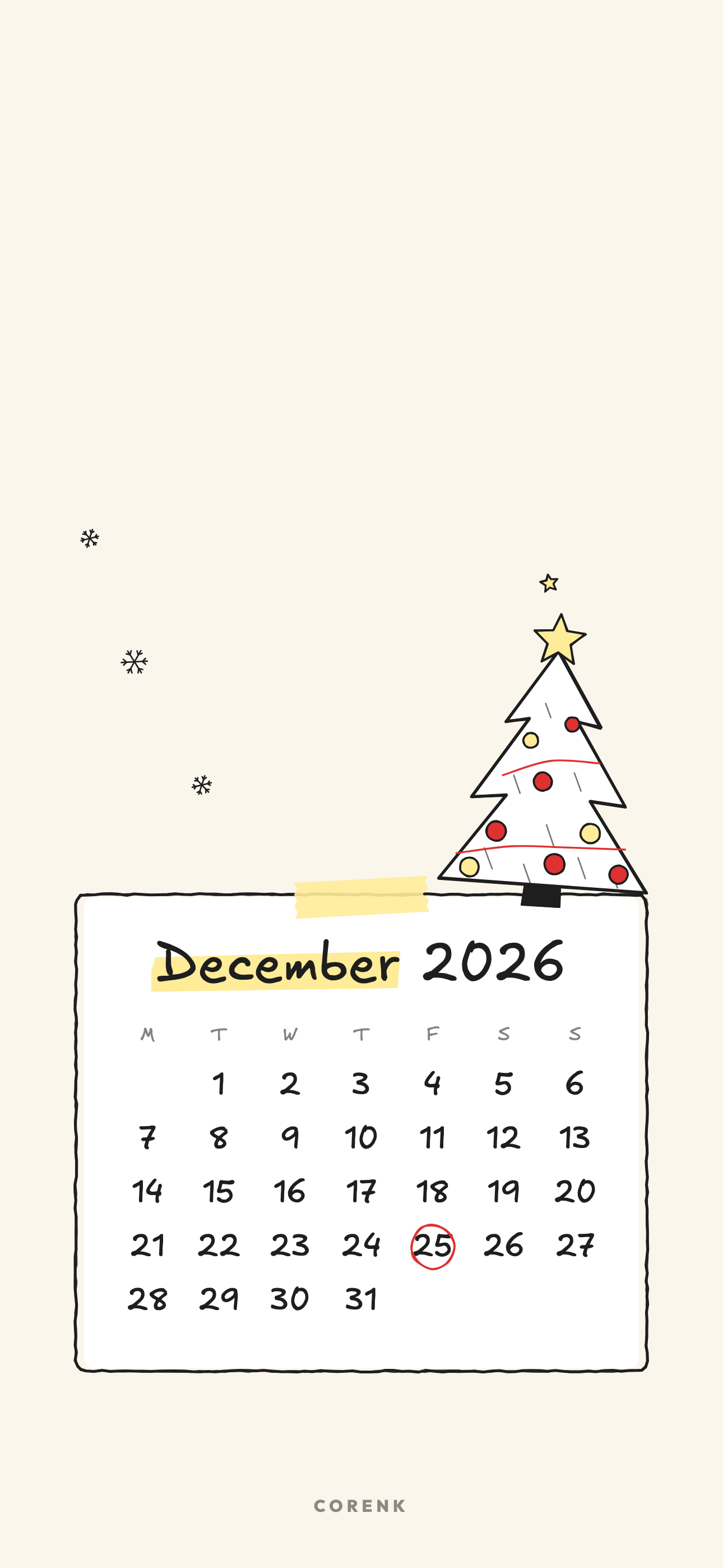
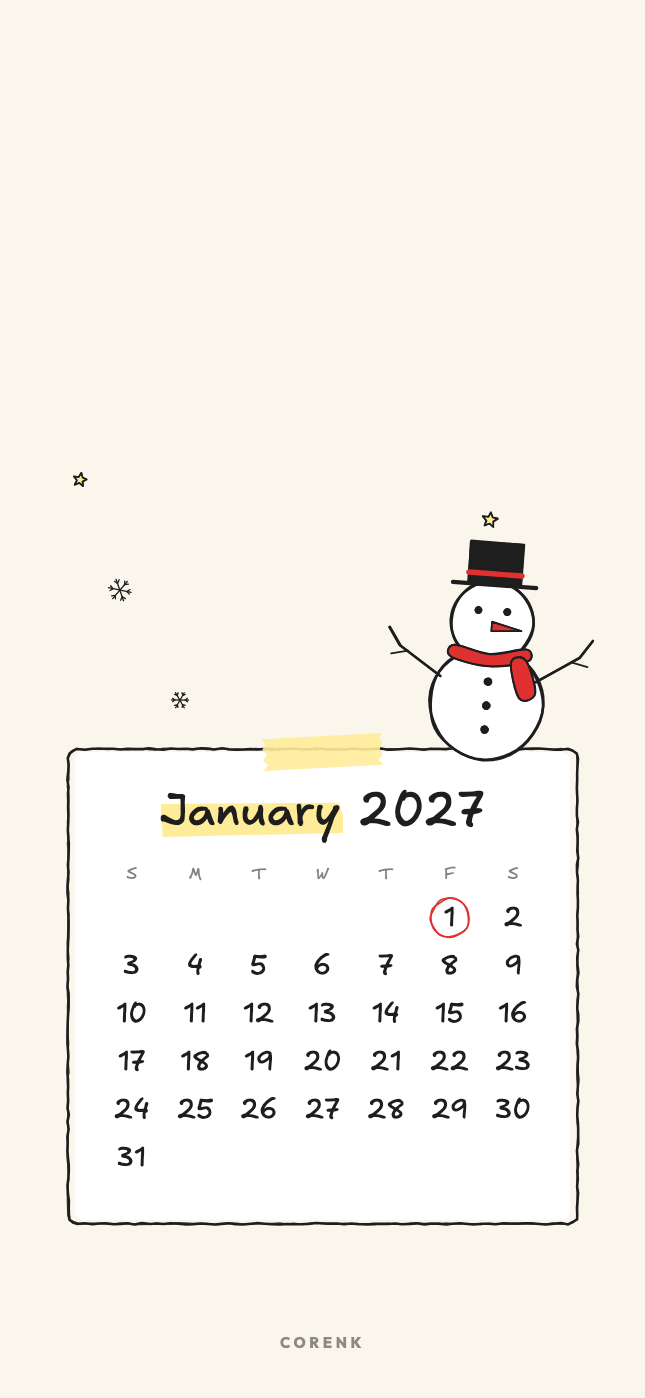
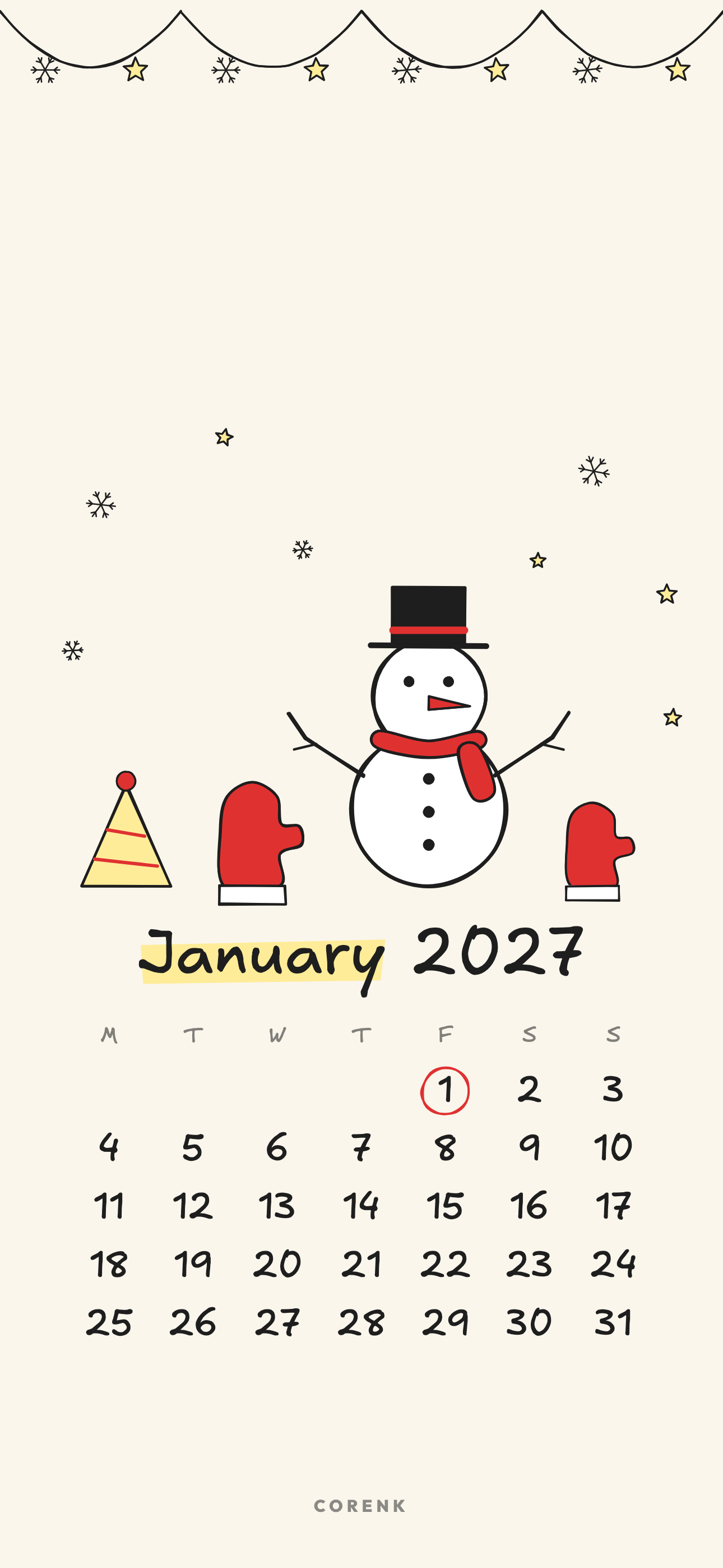
Classic has the biggest drawing above the dates. Pick it when the lock screen is the only place you see it.
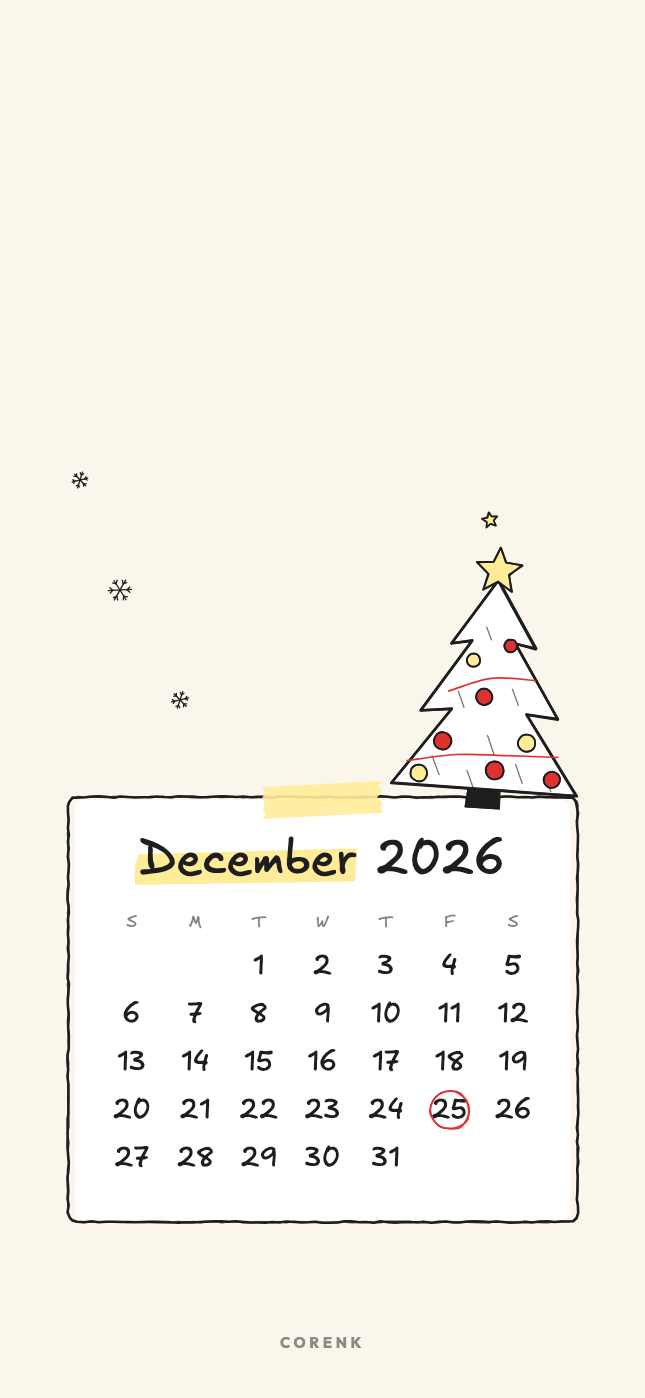
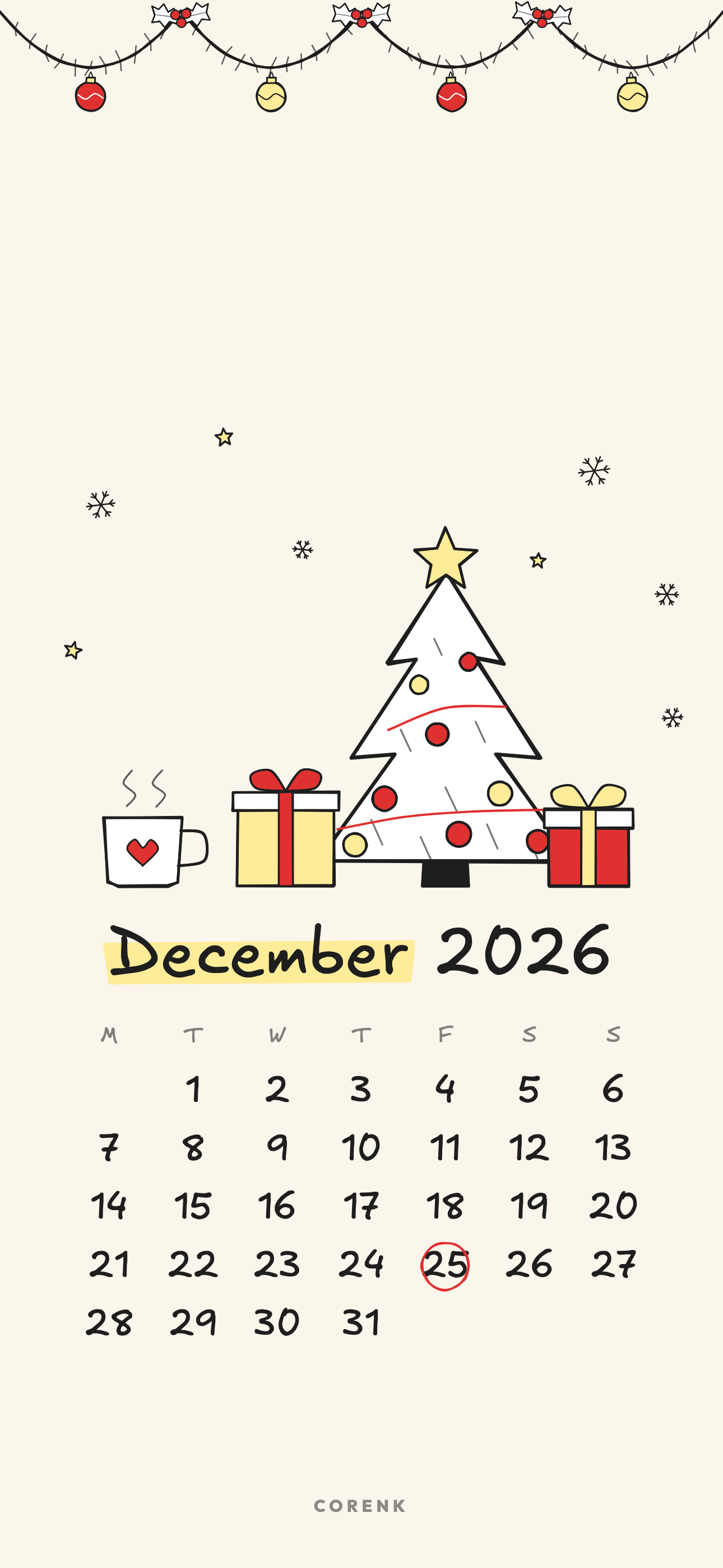
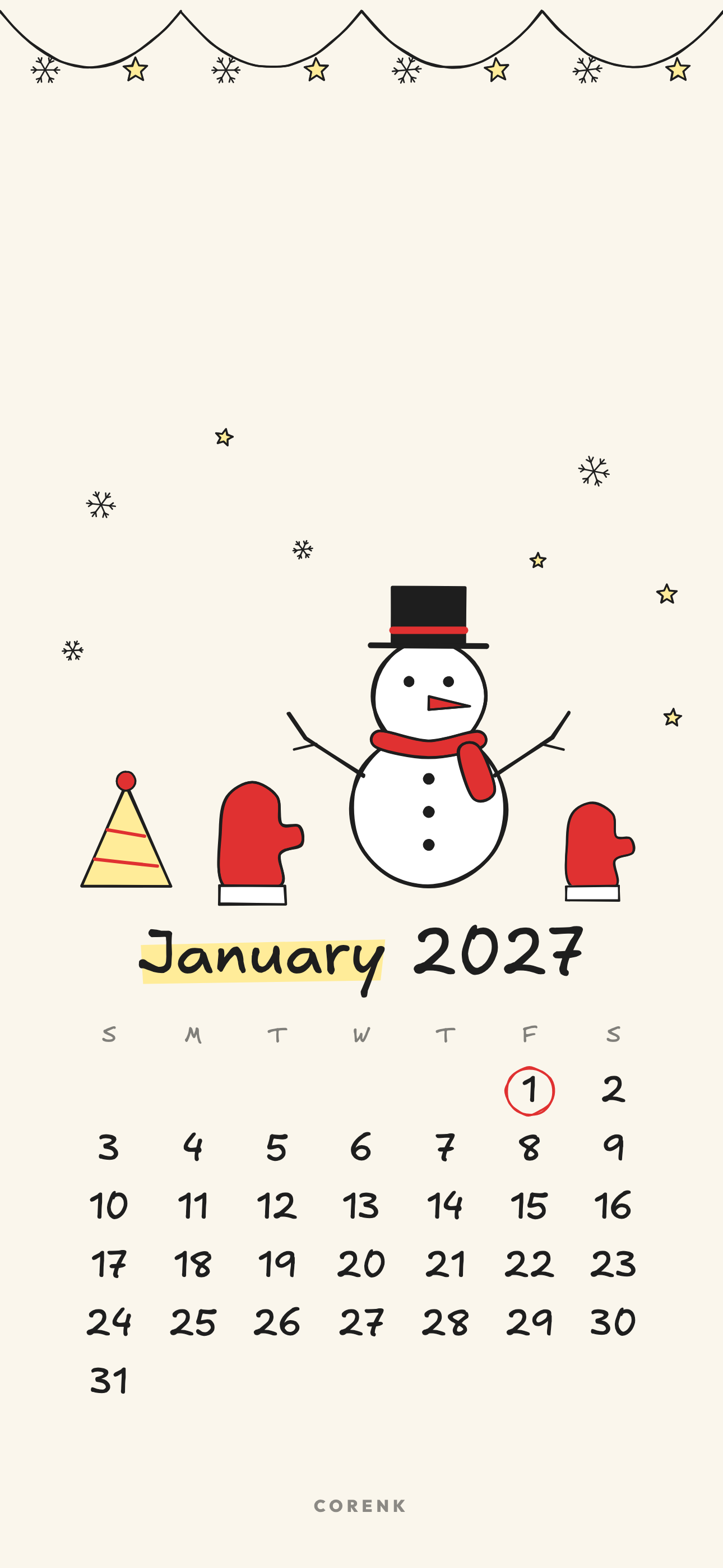
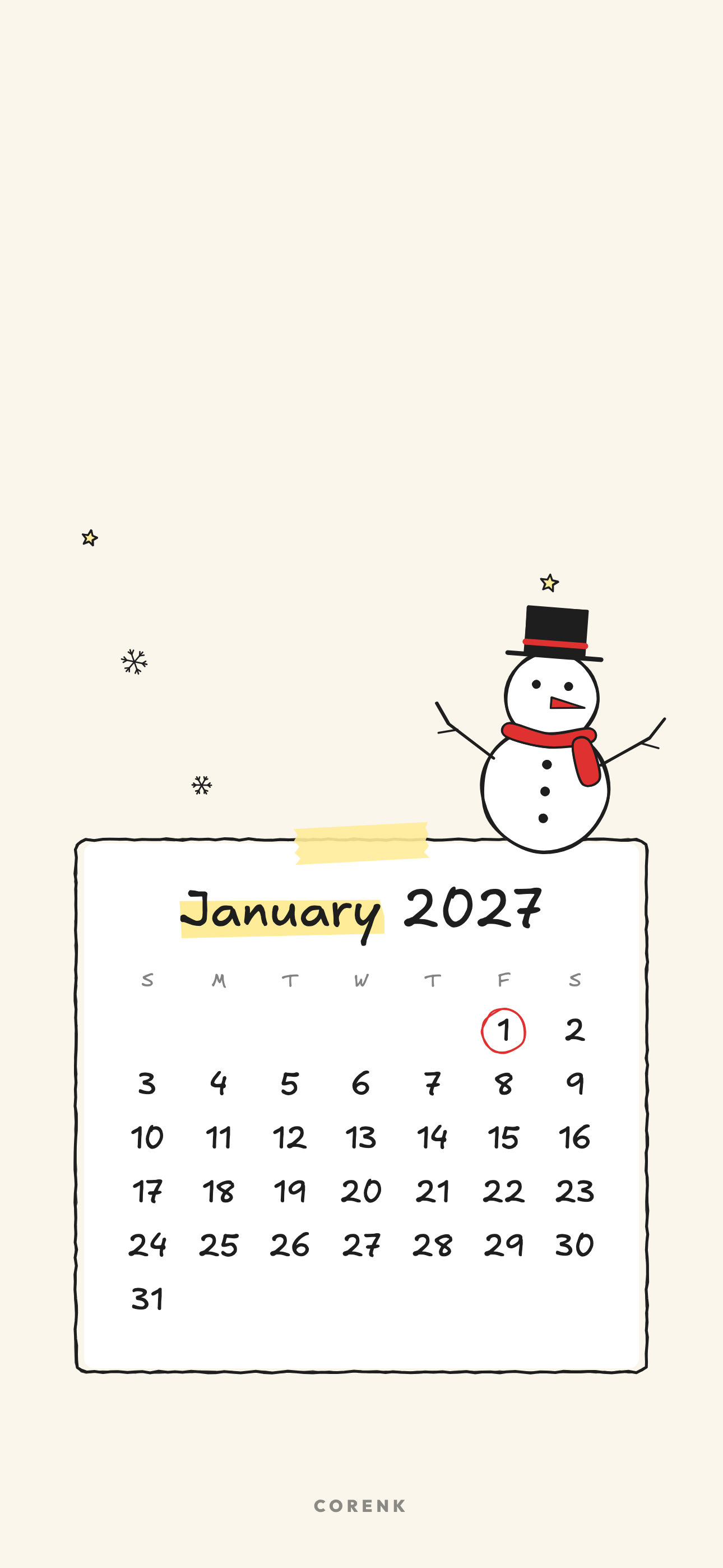
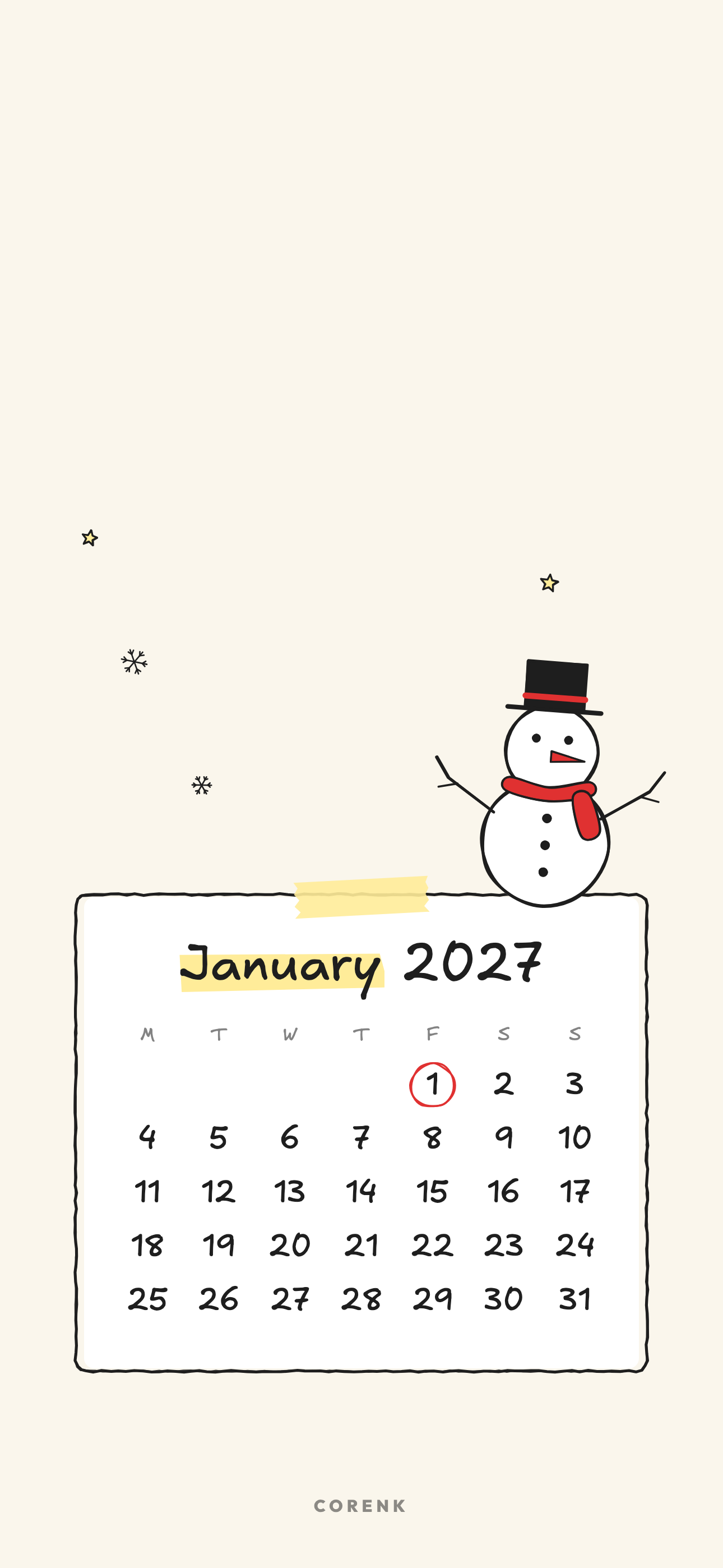
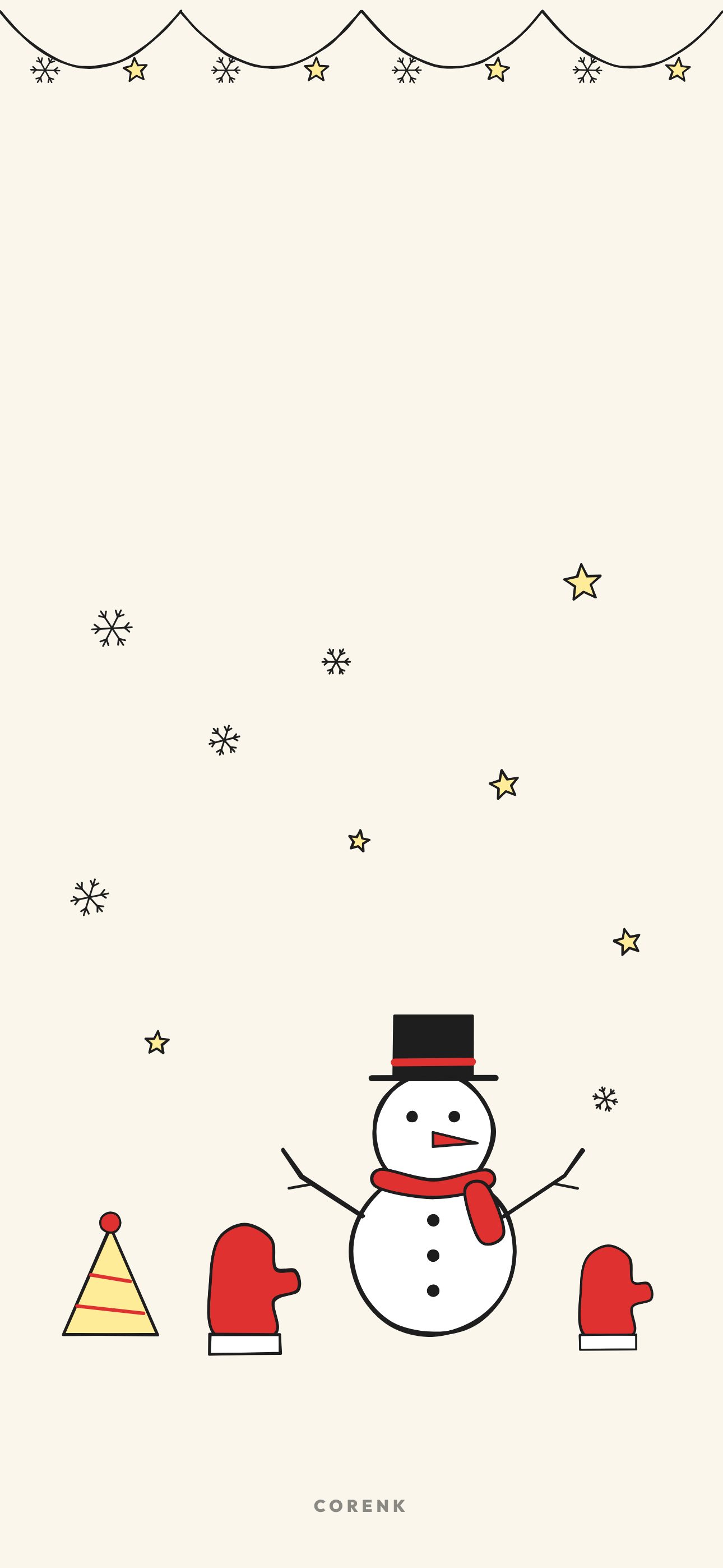
Simple leaves the most empty paper, so app icons and widgets stay easy to read on a home screen.
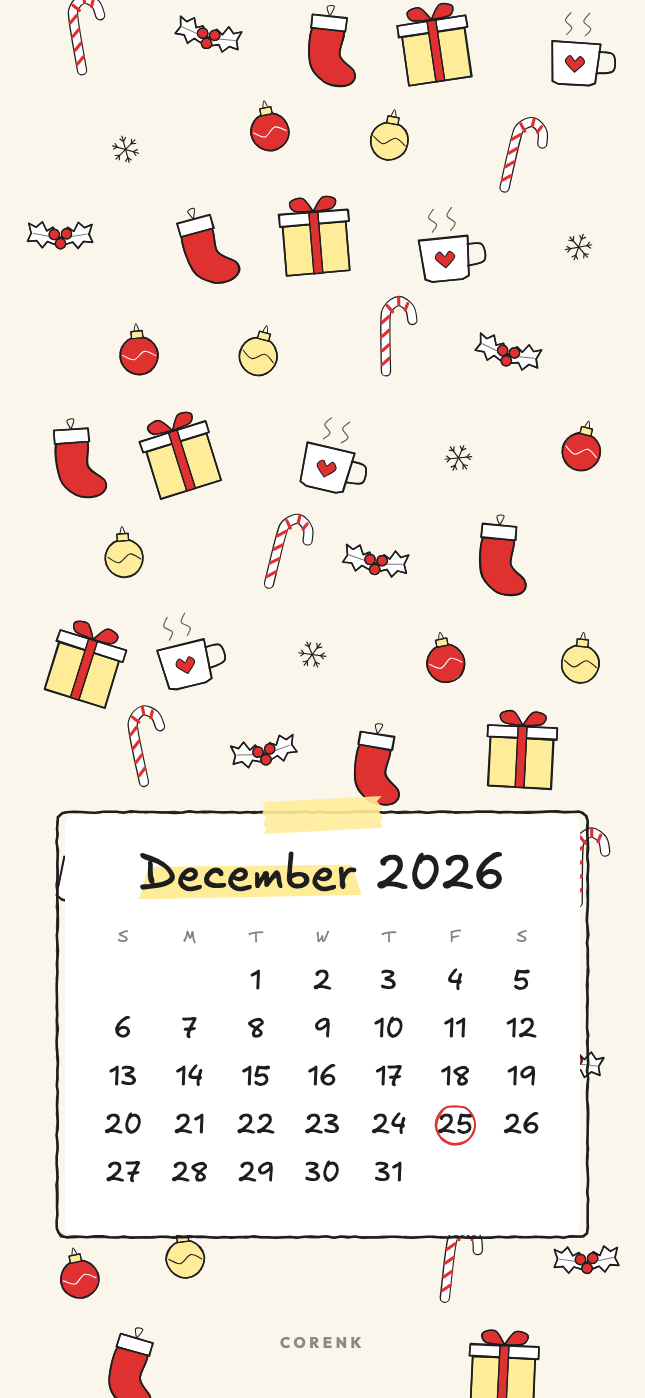
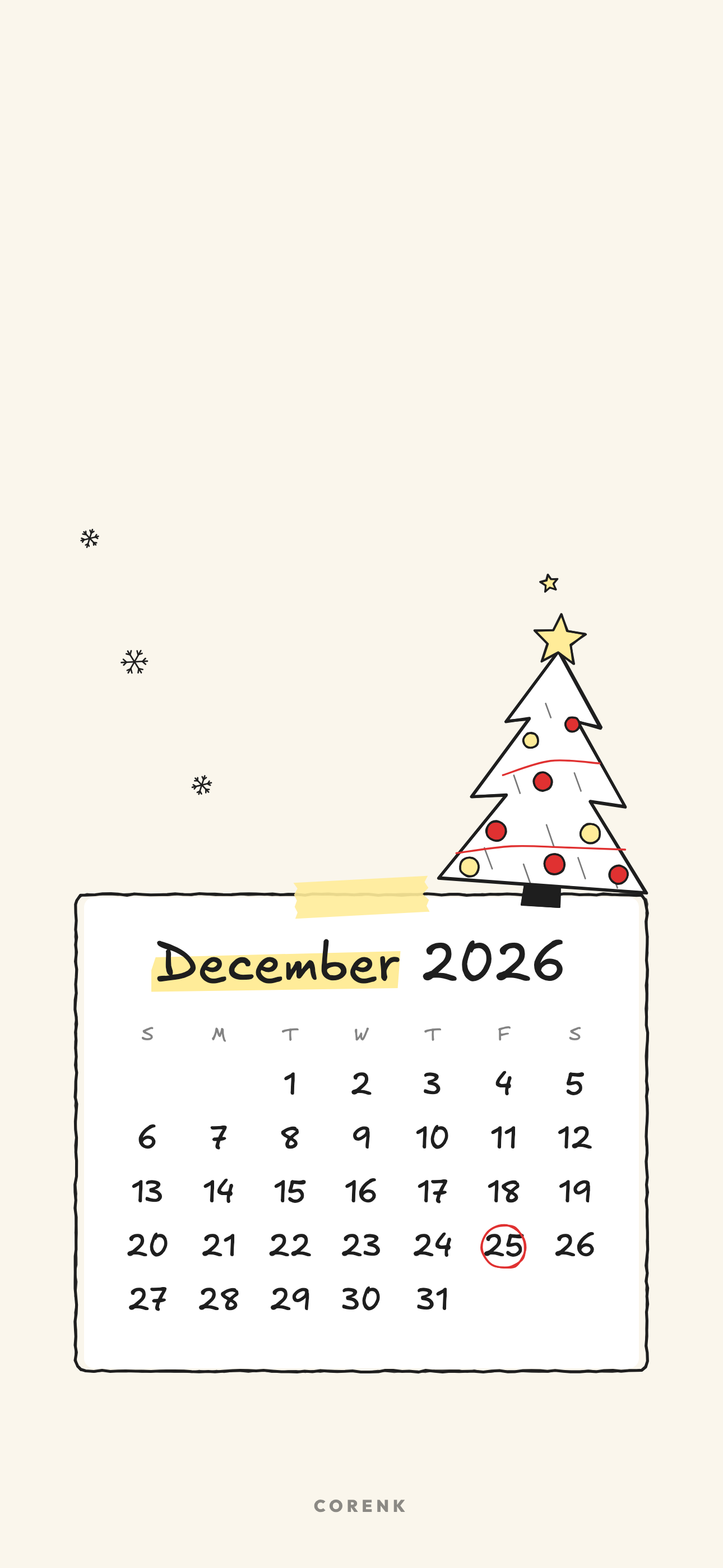
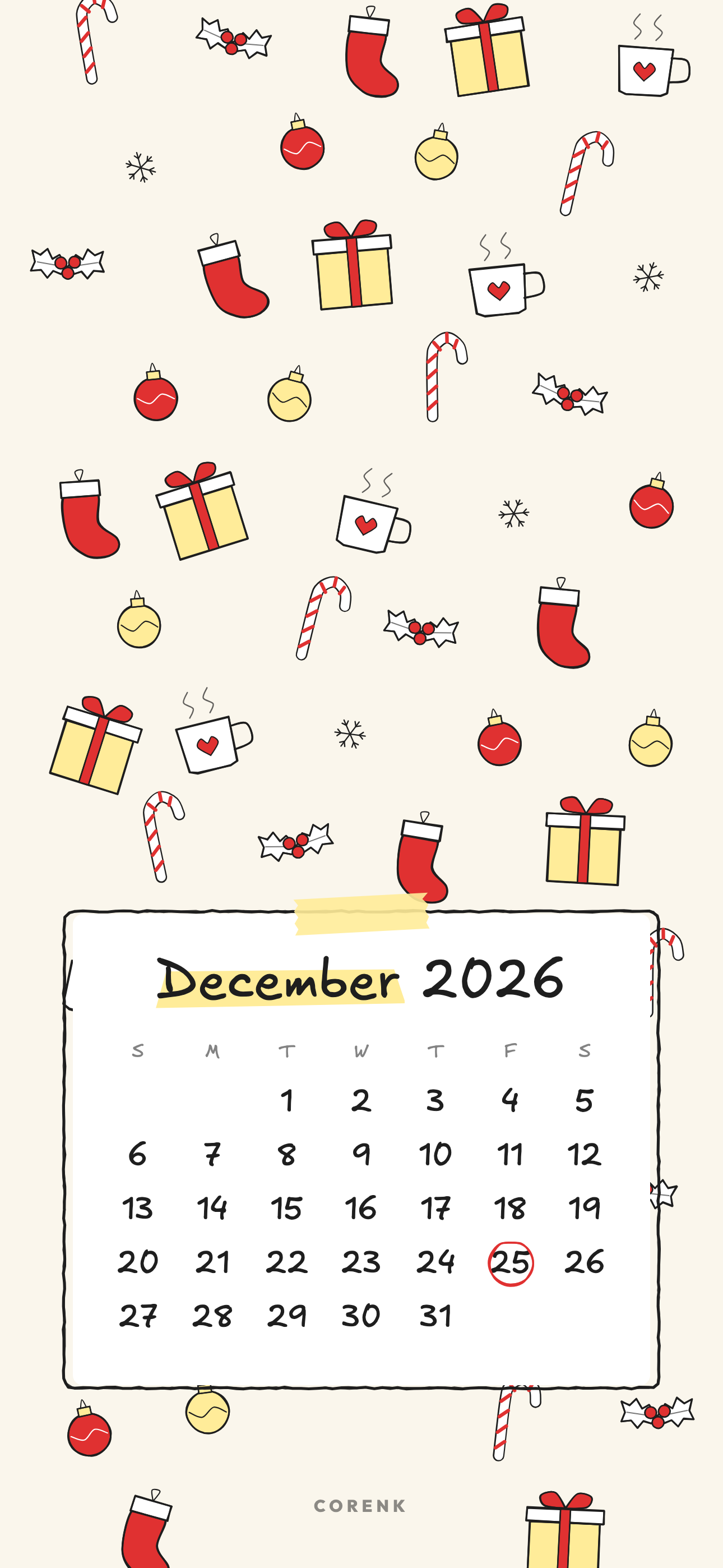
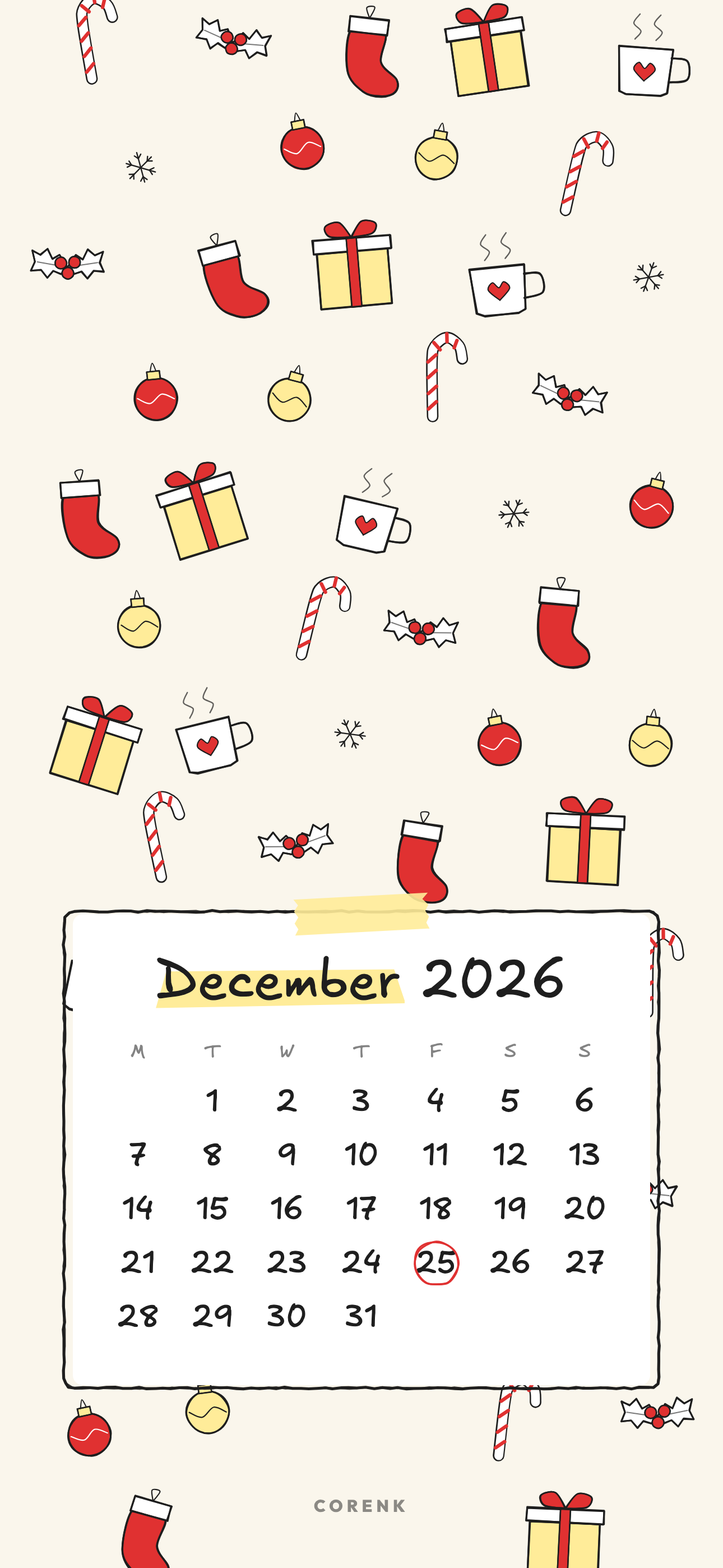
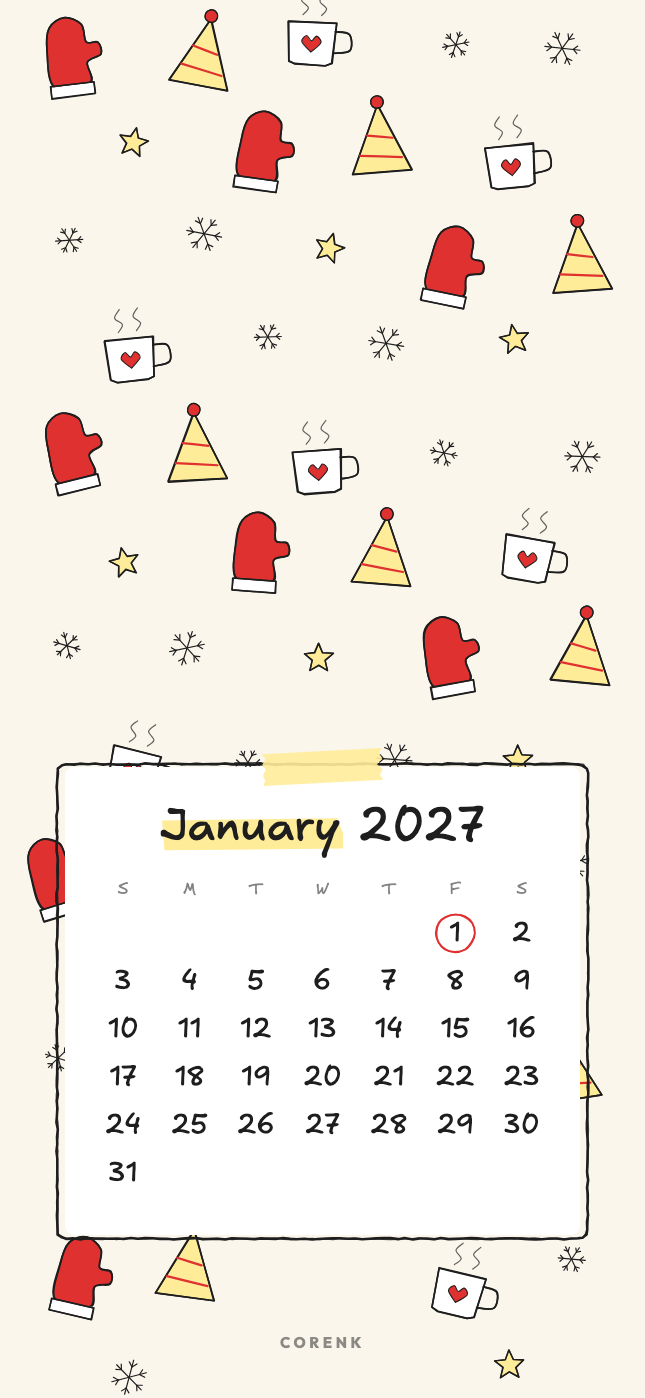
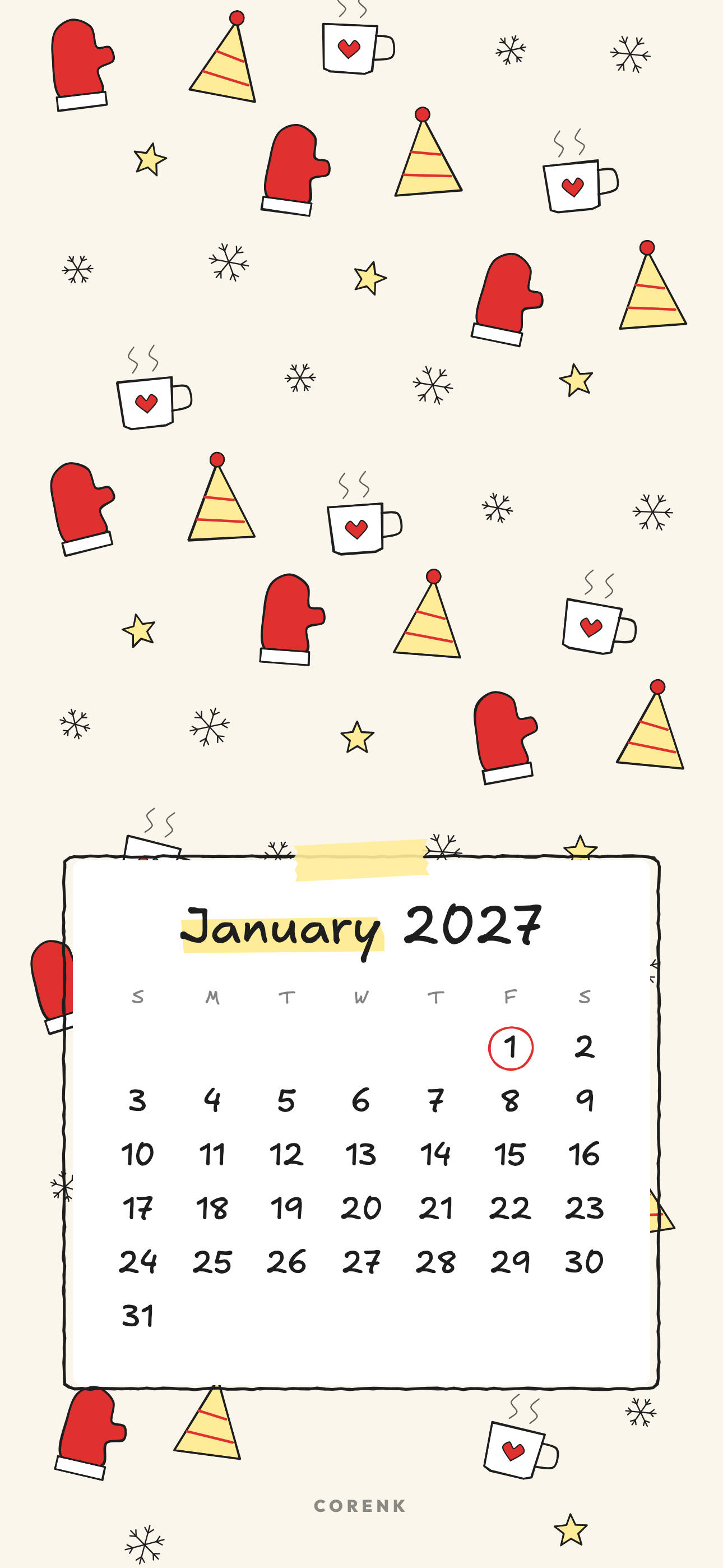
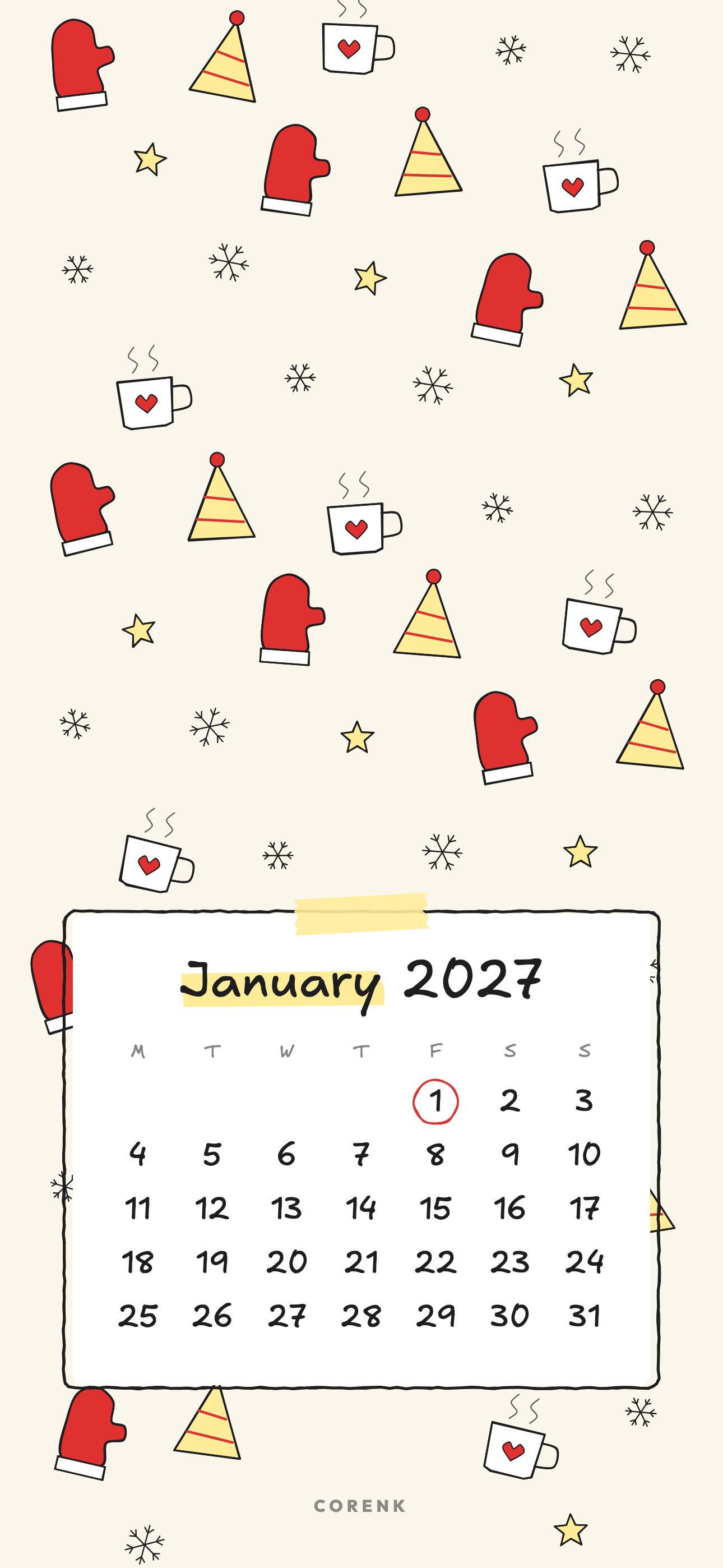
Pattern fills the edges with small drawings around a taped calendar card.
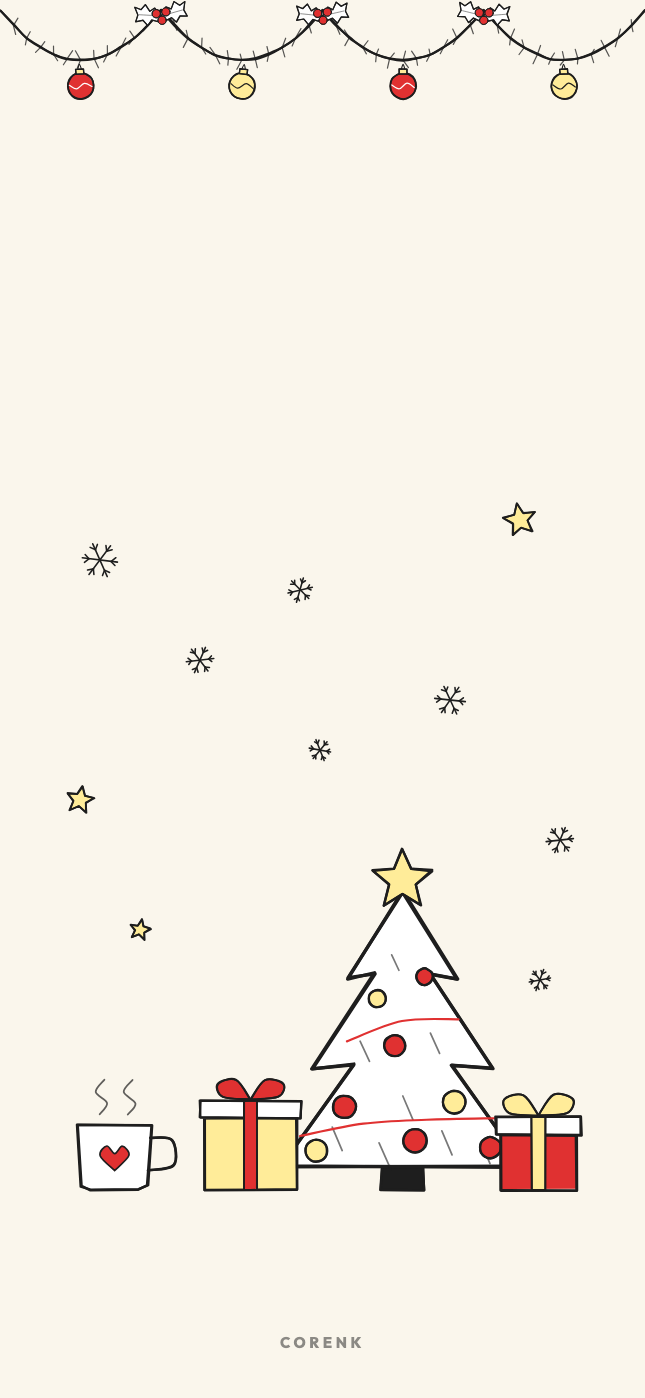
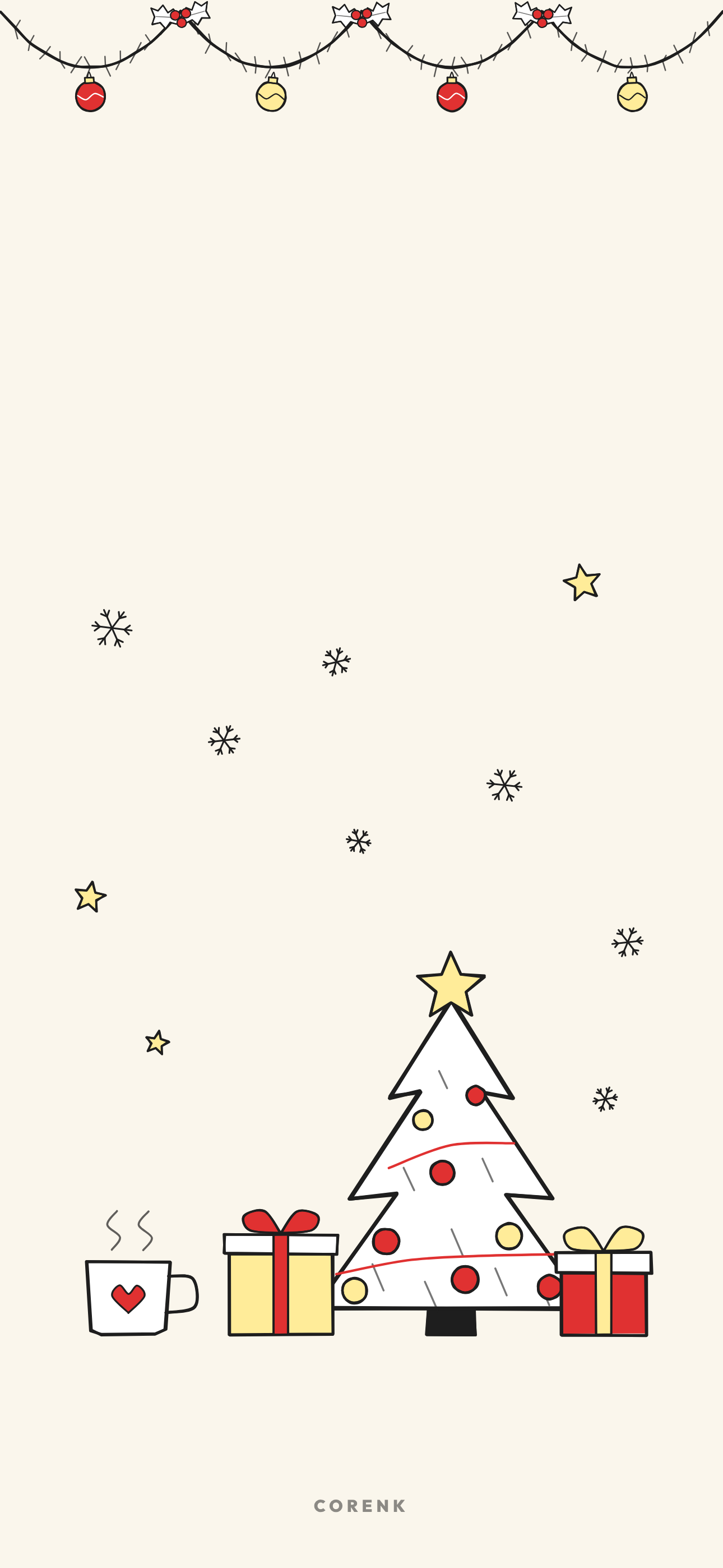
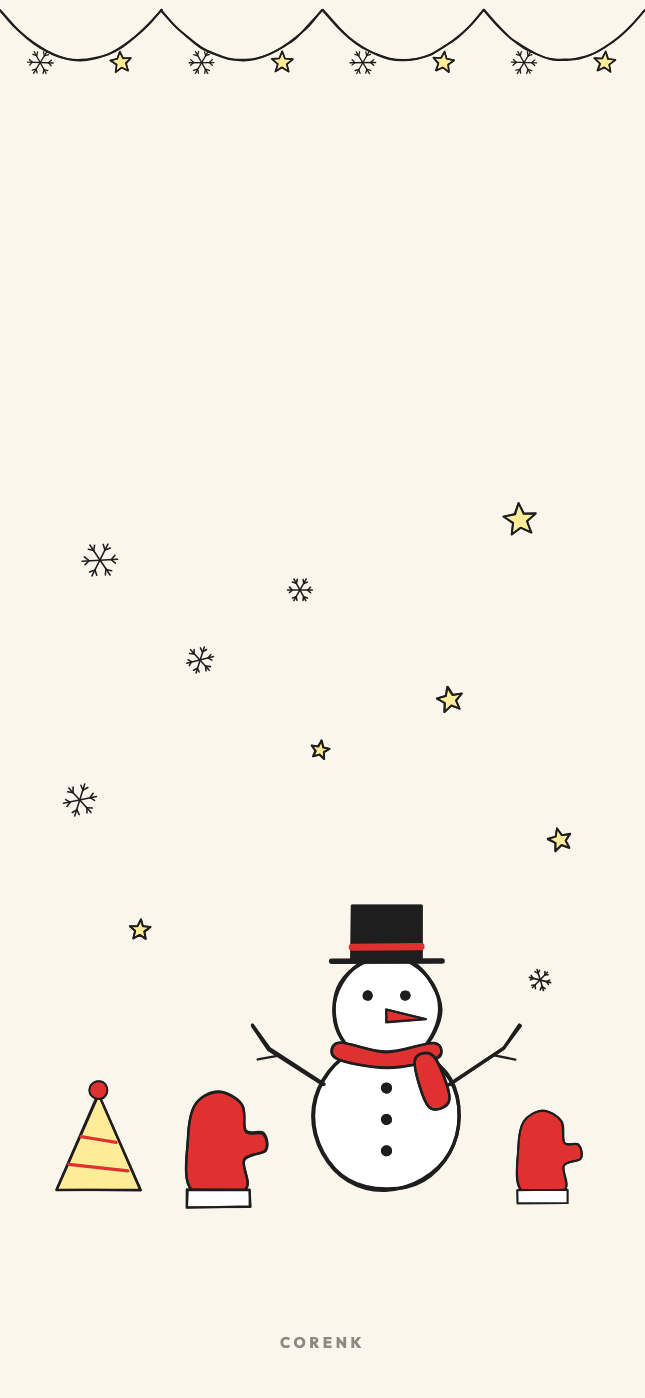
No dates keeps only the drawings, so you can leave it on from the start of the month to the end of the season.
How to set it
Tap a link on your phone, or download the zip on a computer and send the PNG you like to your phone.
On an iPhone, open the picture, tap Share, then Use as Wallpaper. On Android, open it in Photos or Gallery and choose Set as wallpaper.
Keep it on the lock screen: the clock sits on the empty paper at the top, the calendar stays under it.
Questions
How do I set it as my iPhone wallpaper?
Open the PNG on your iPhone, tap Share, then Use as Wallpaper. Pinch to place it and tap Add. The top of each wallpaper is kept light for the clock.
Do they work on Android?
Yes. Open the PNG in Photos or Gallery and choose Set as wallpaper. They are drawn for a tall iPhone screen and nothing important sits near the sides, so a wider Android screen can crop them.
Are the wallpapers free?
Yes. Every PNG and zip is a direct download, with no email address and no sign-up.
Sunday or Monday start?
The three designs with dates come in both. The fourth one has no dates, so it works for the whole season.
Can I print them?
They are made for a phone screen. For paper, the December 2026 calendar printable has the same drawings in A4 and Letter.