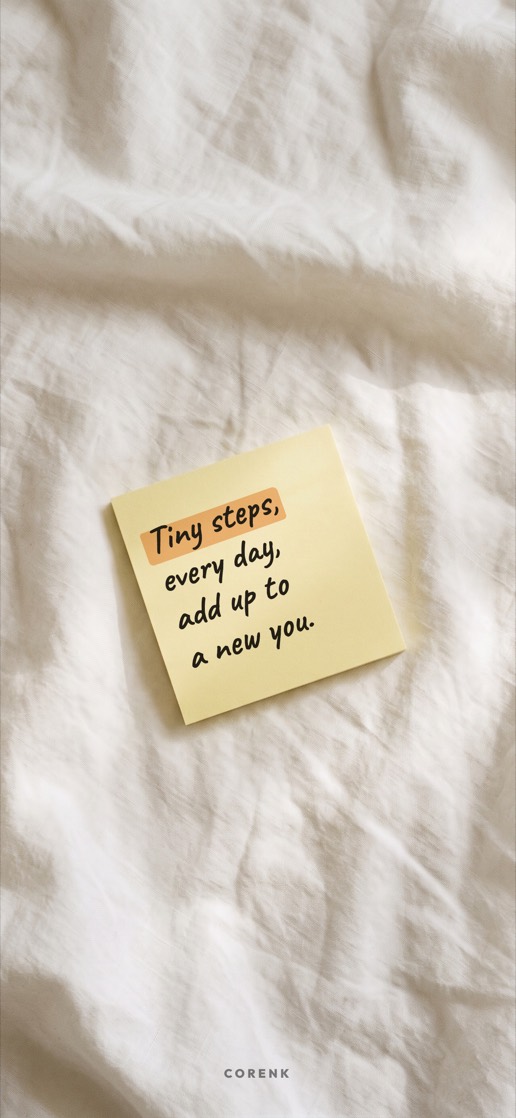
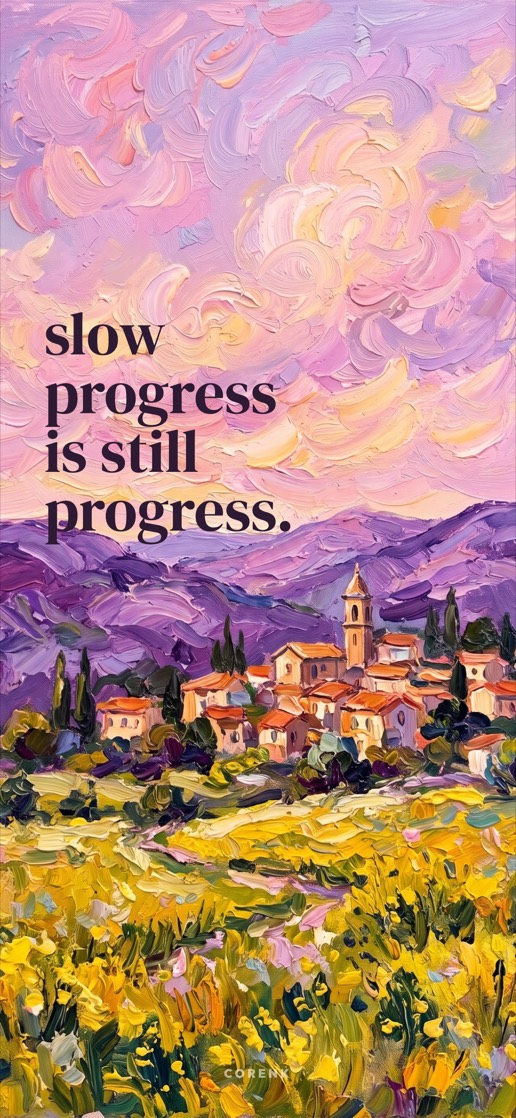
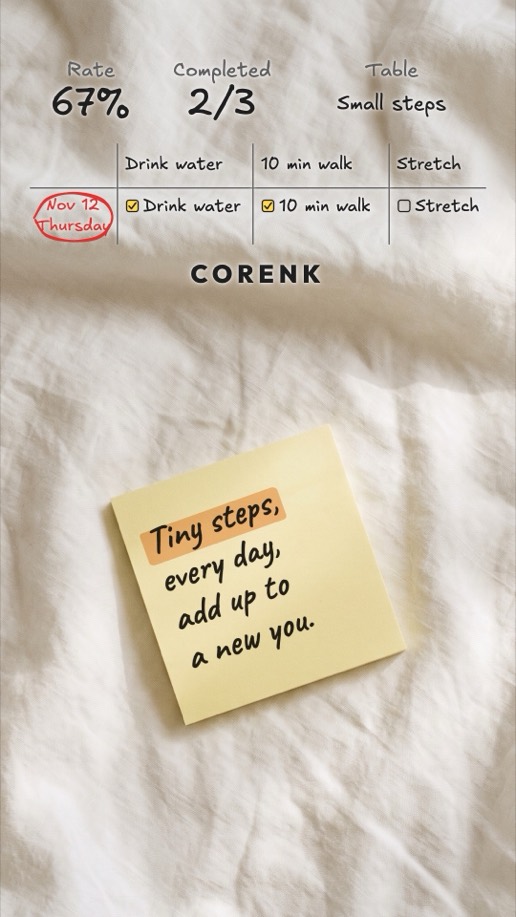
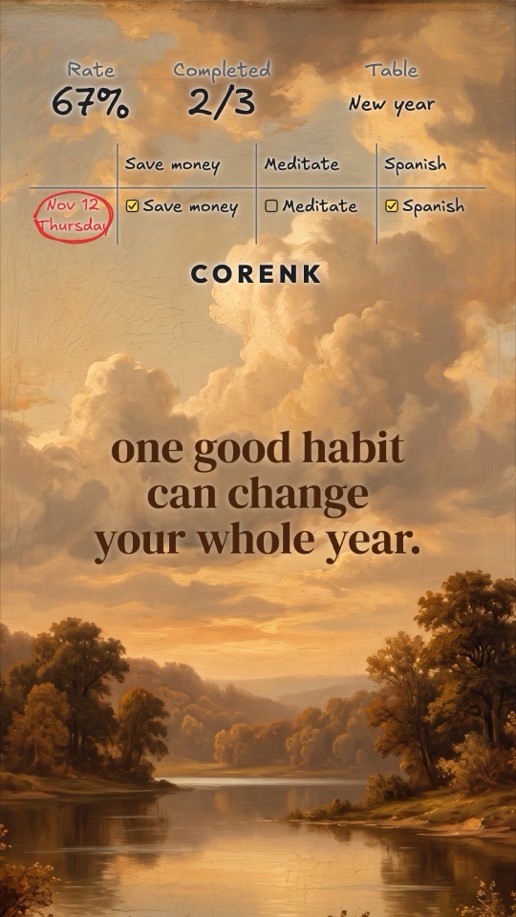
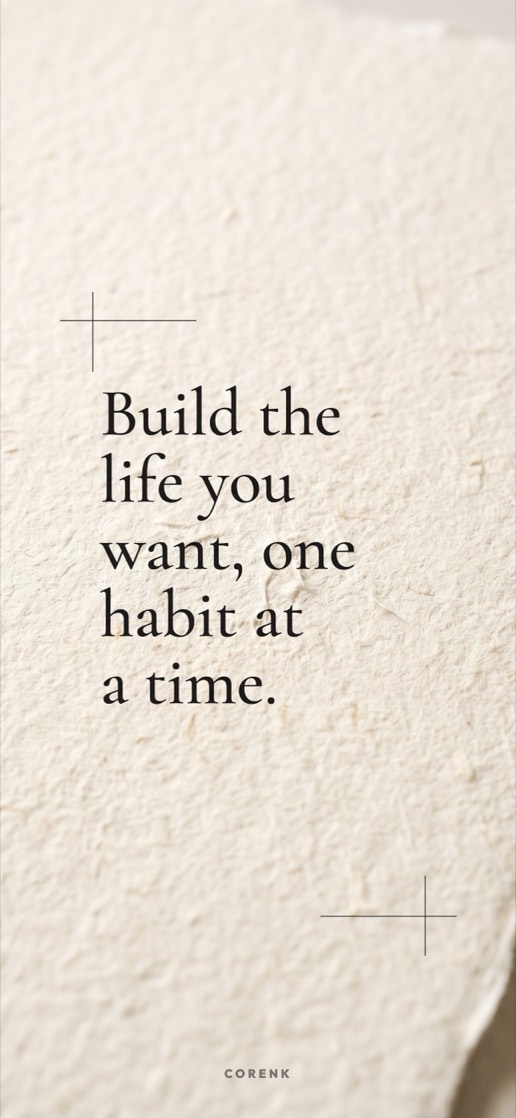
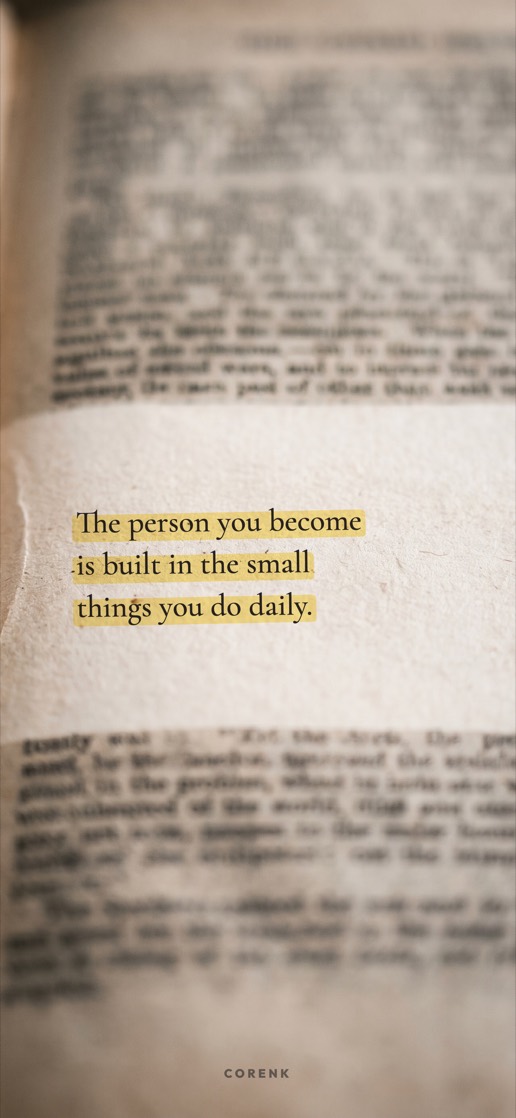
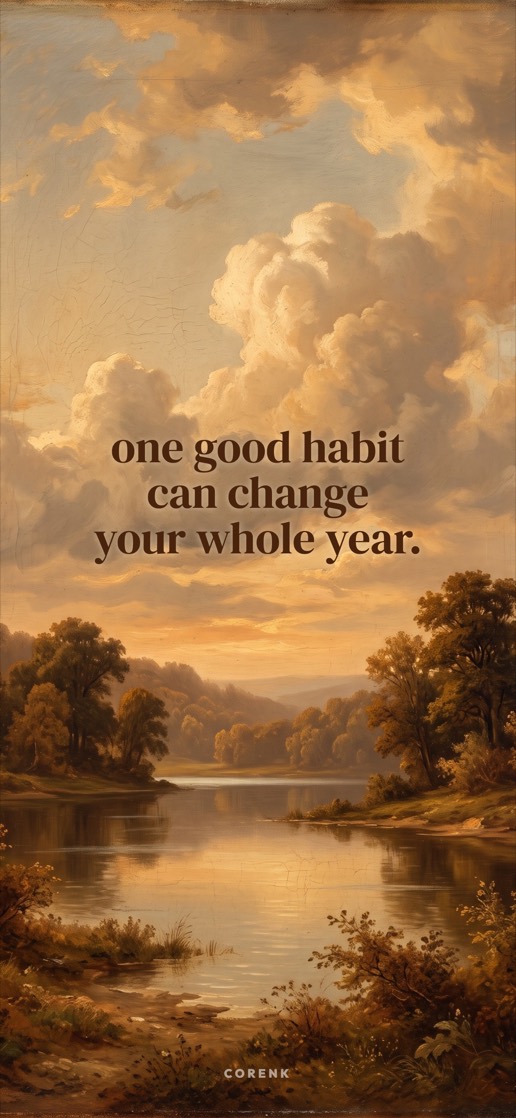
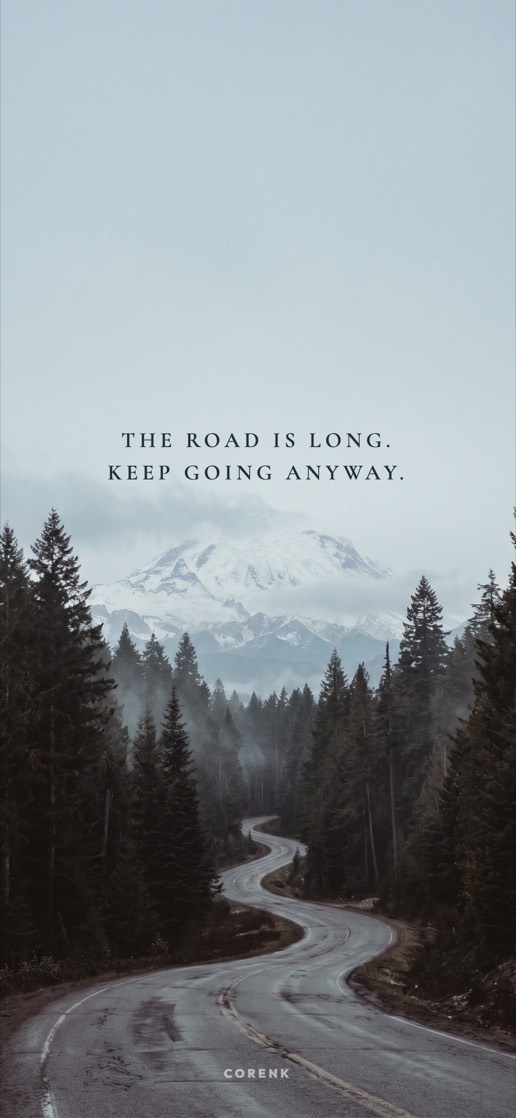
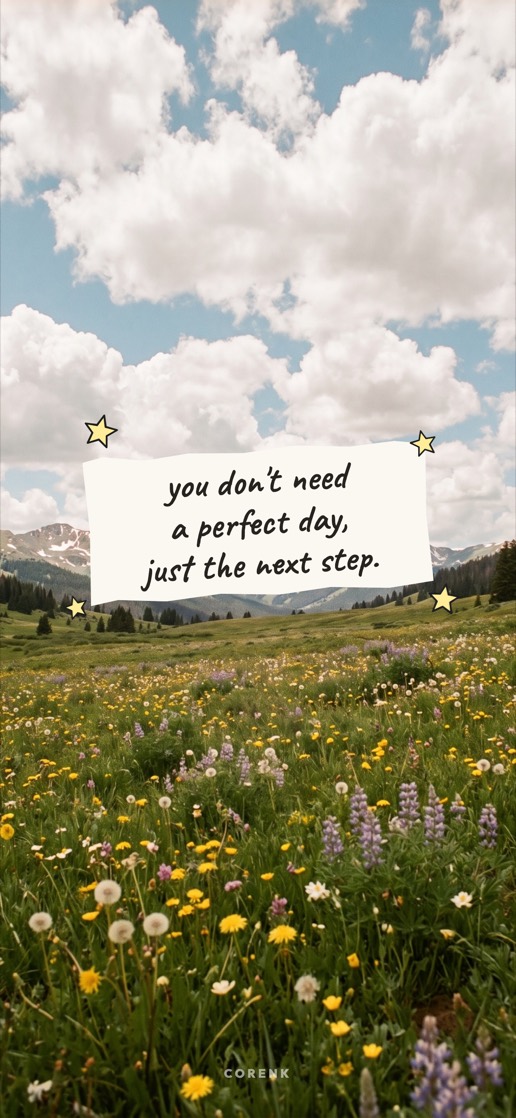
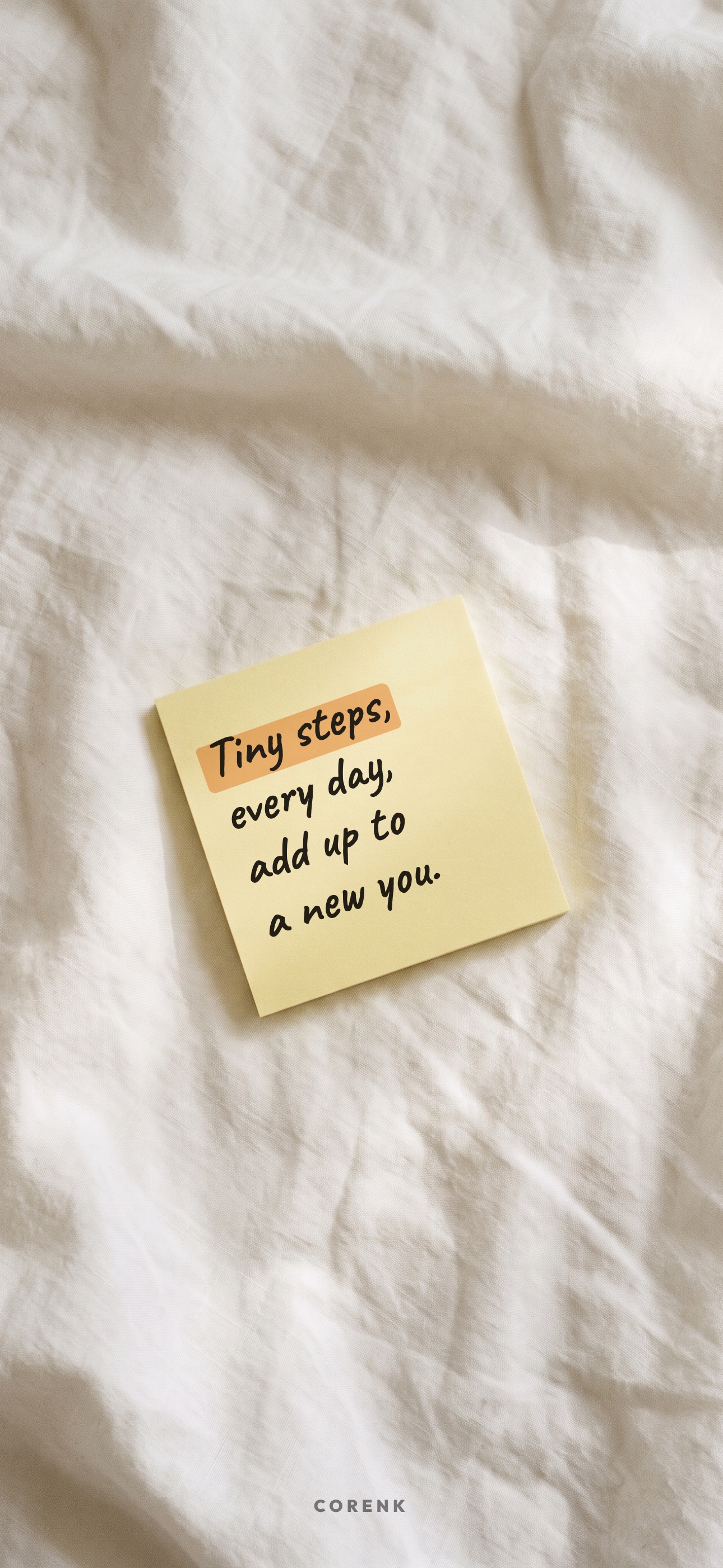
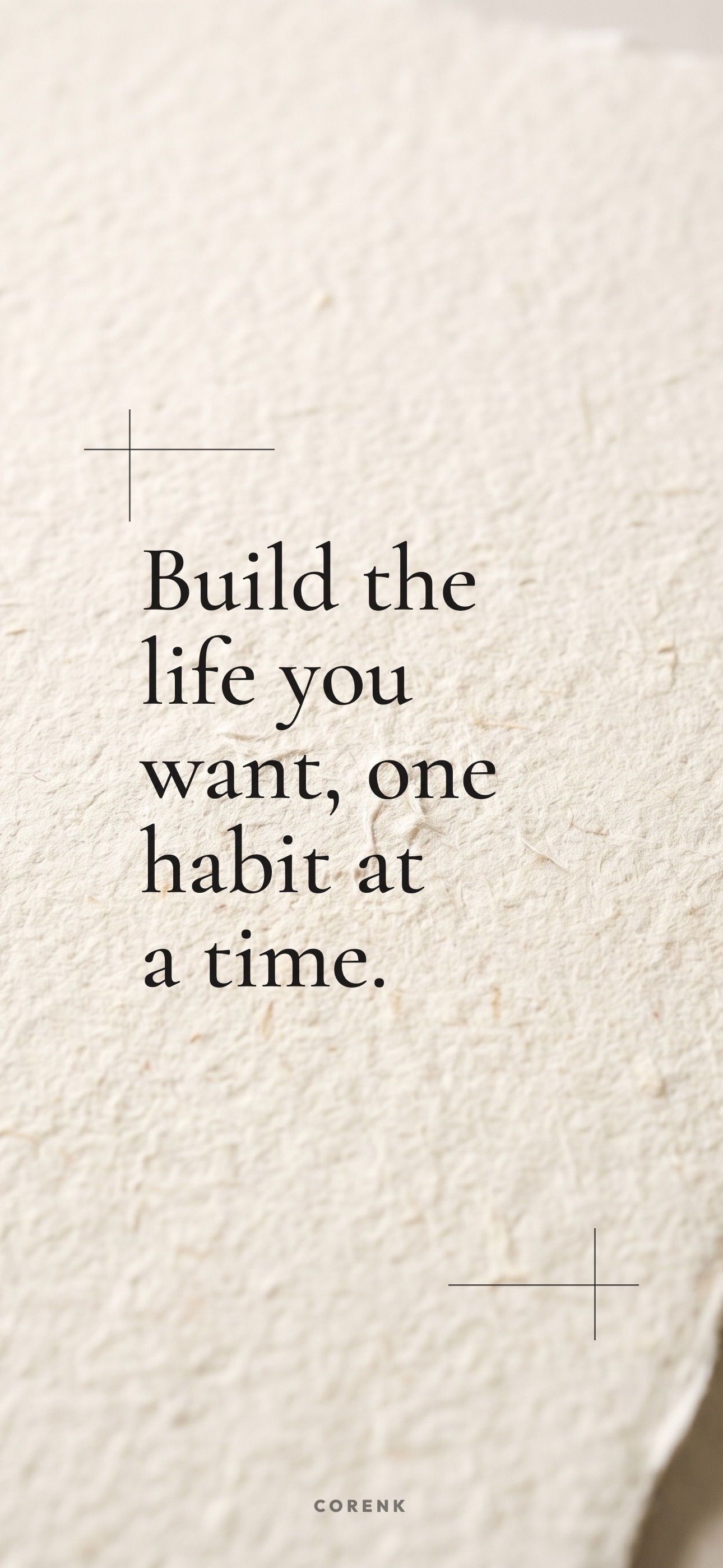
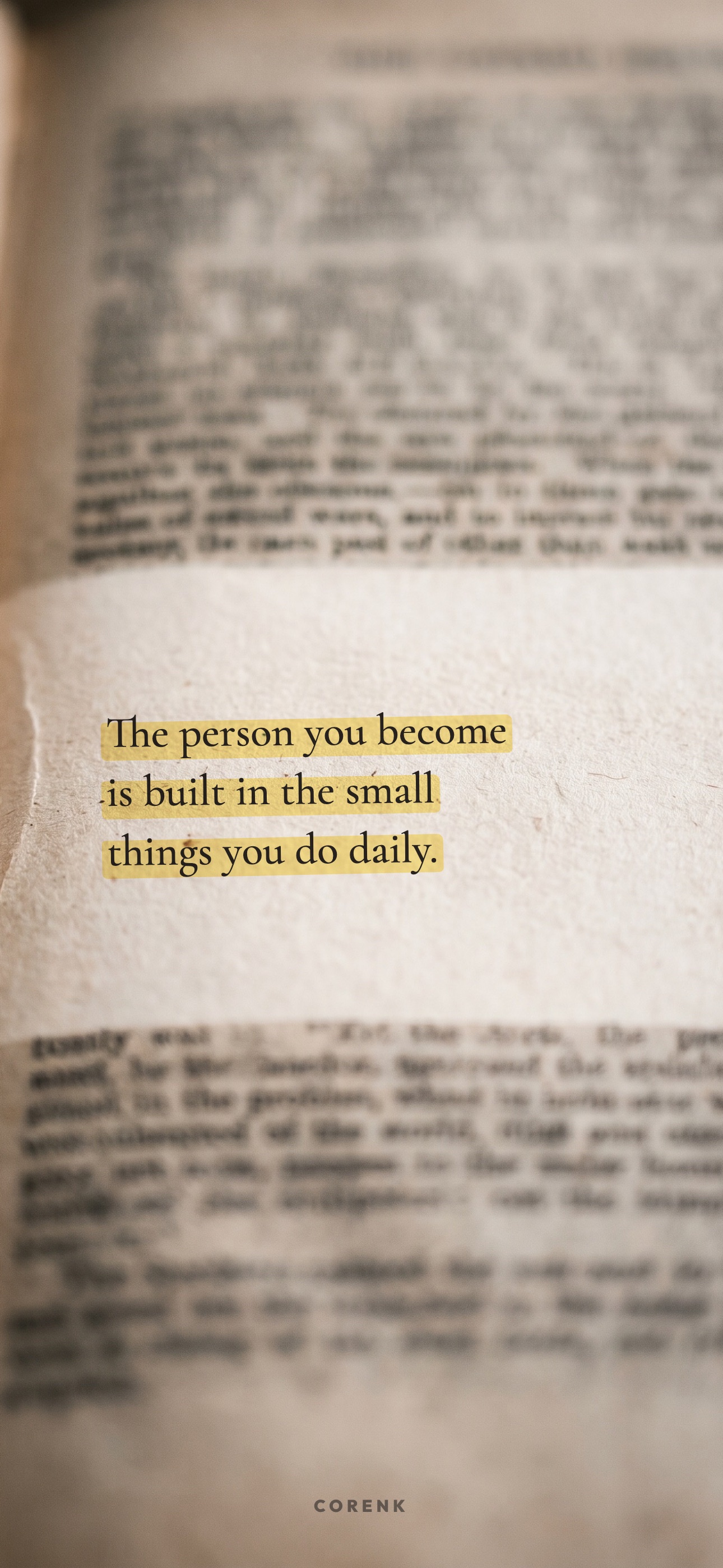
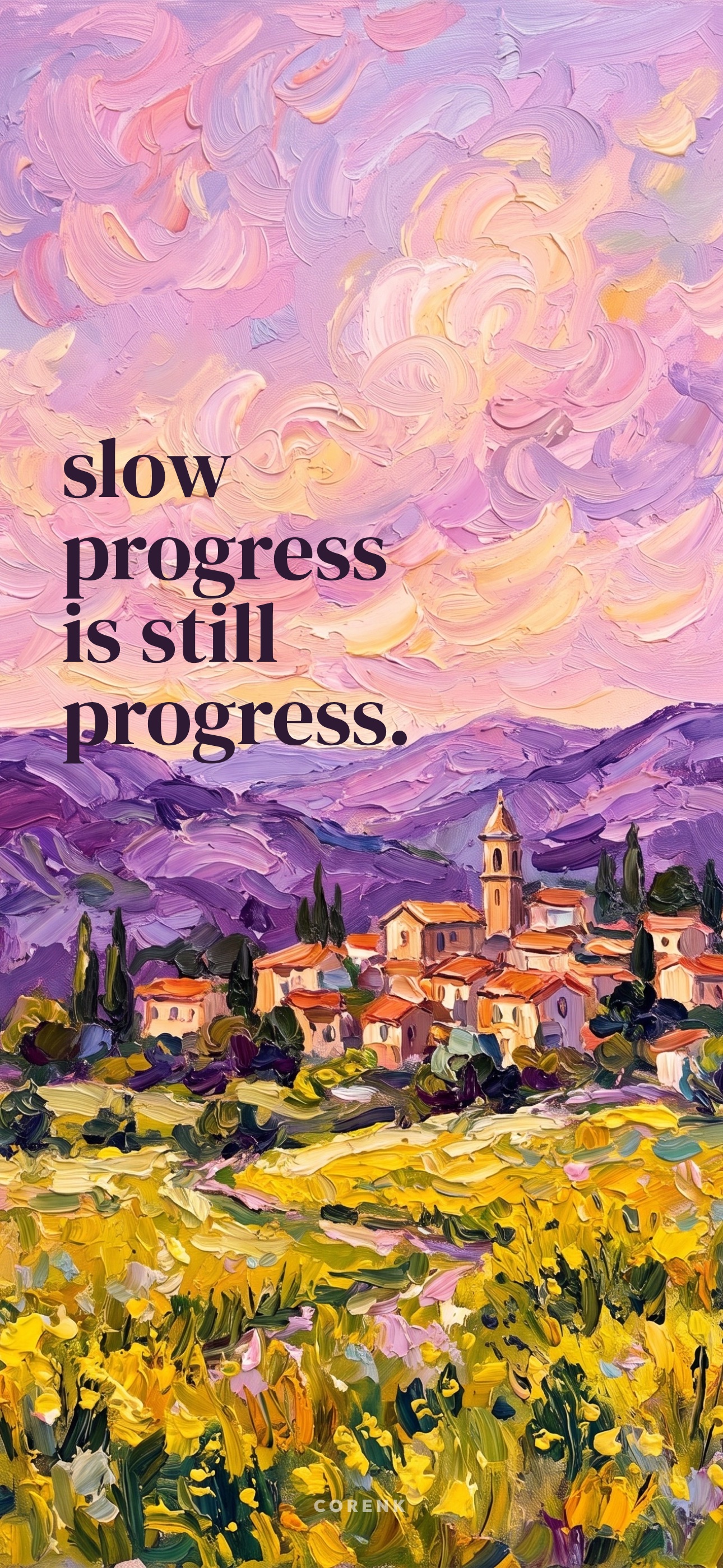
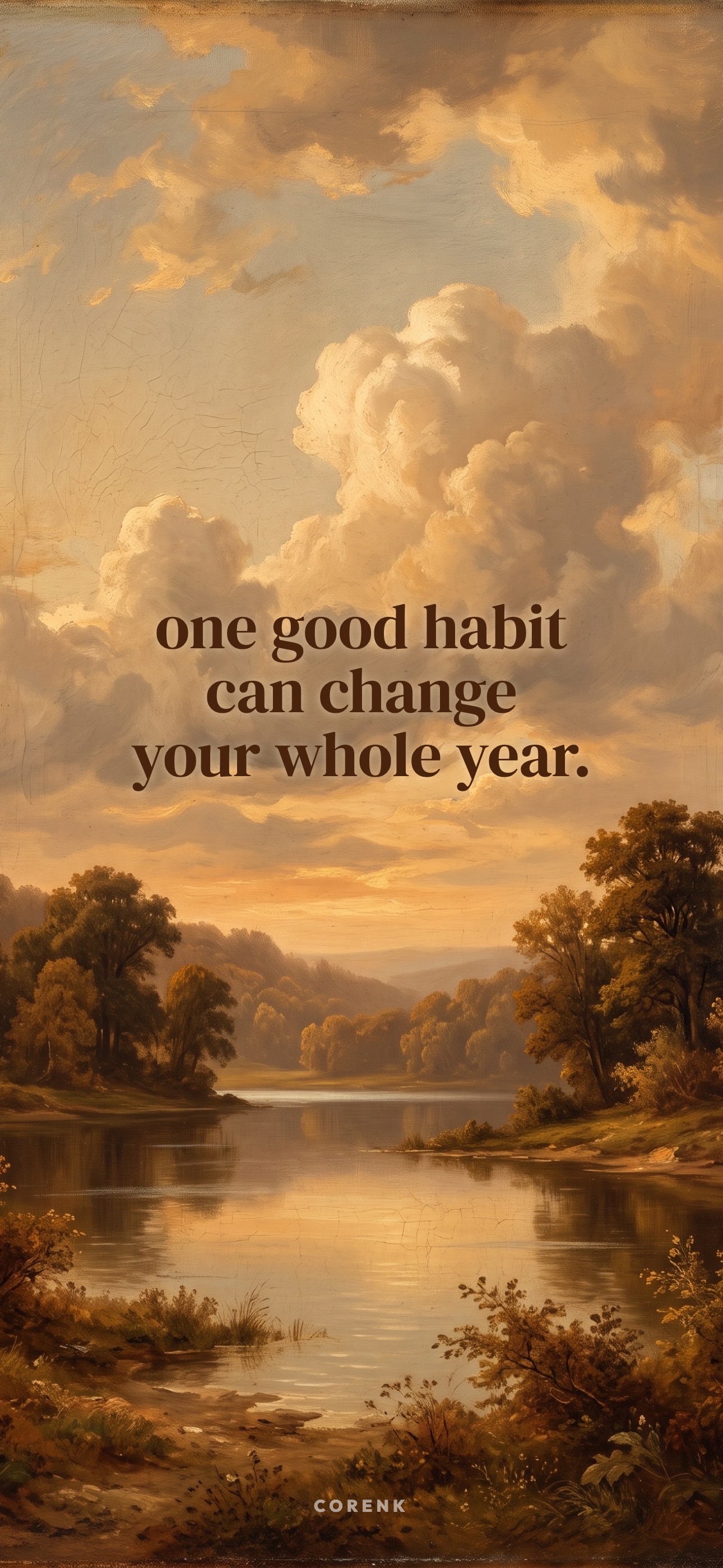
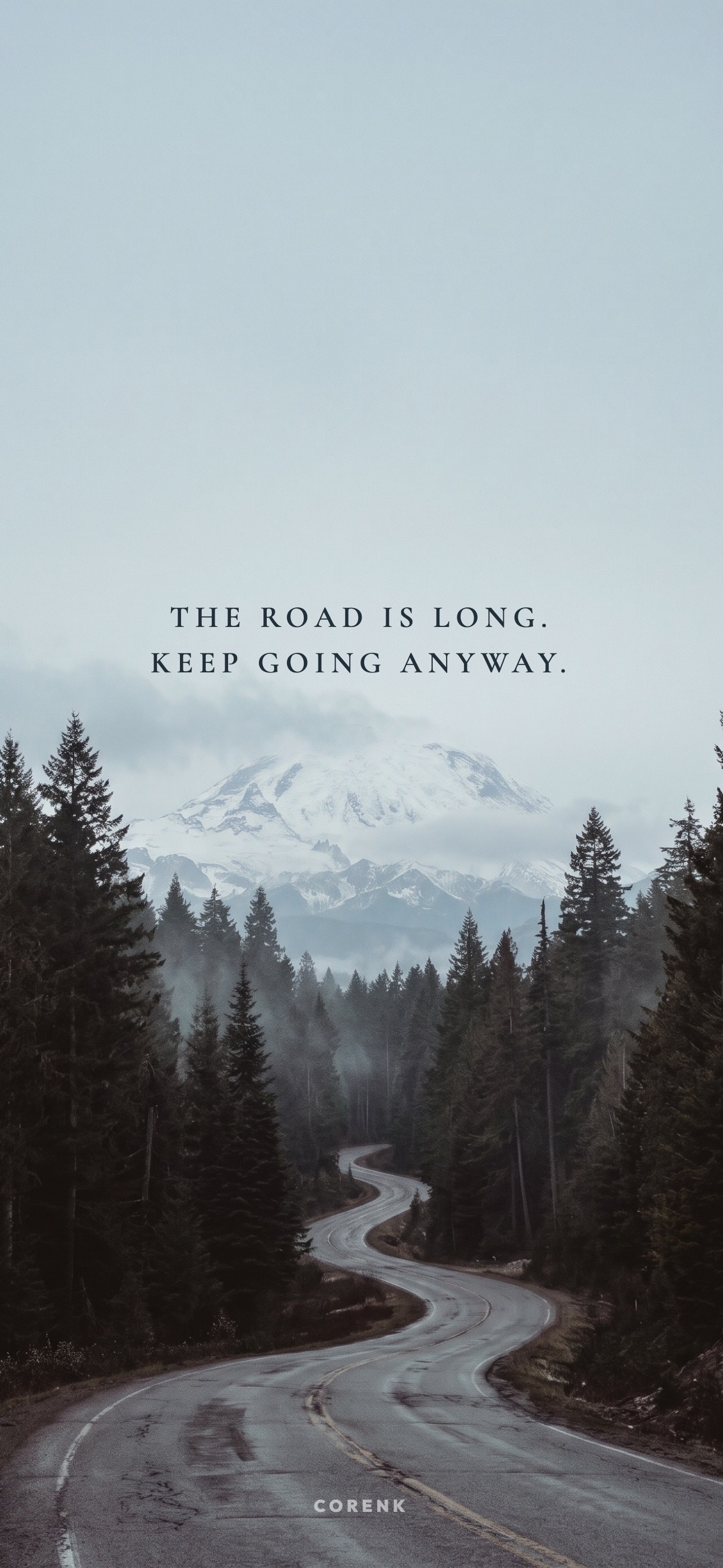
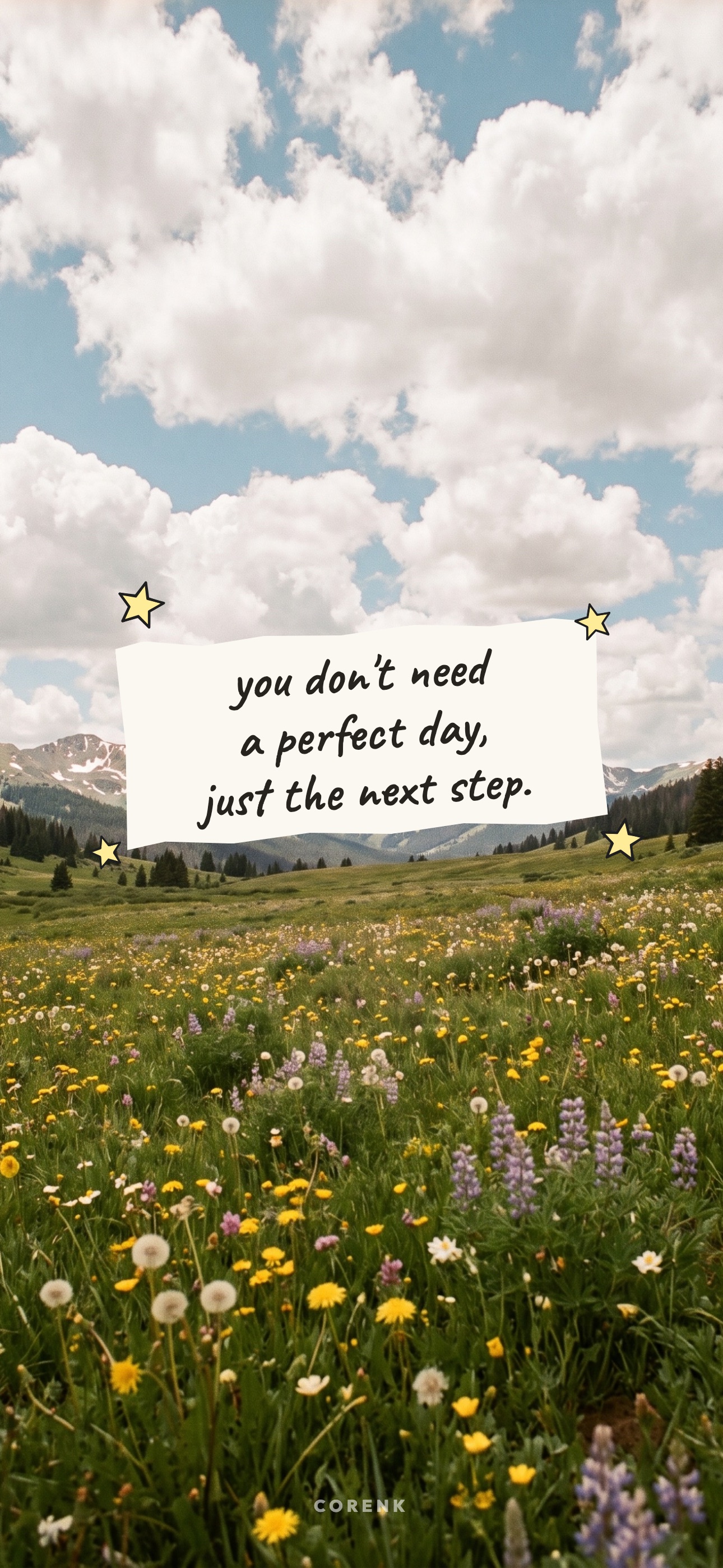
Short lines on habits, discipline and small steps for the screen you look at most: a sticky note on linen, a highlighted book page, a painted village and a misty road.
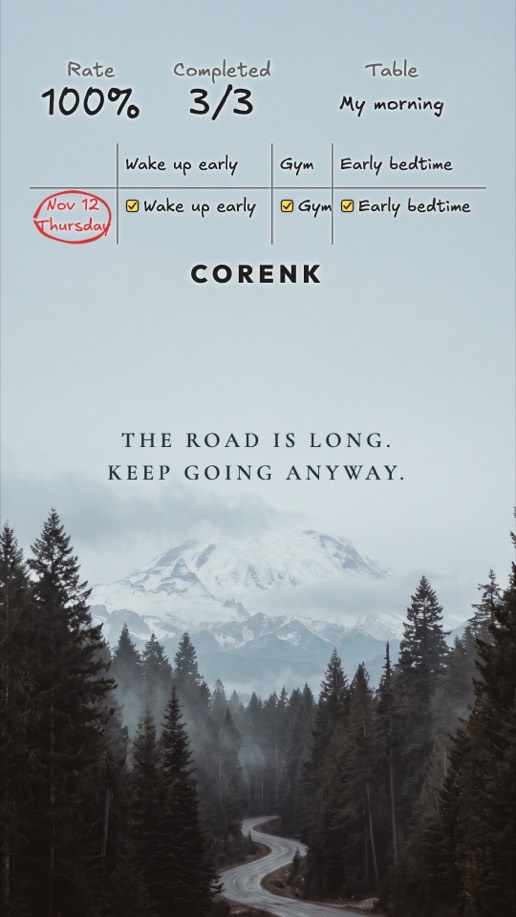
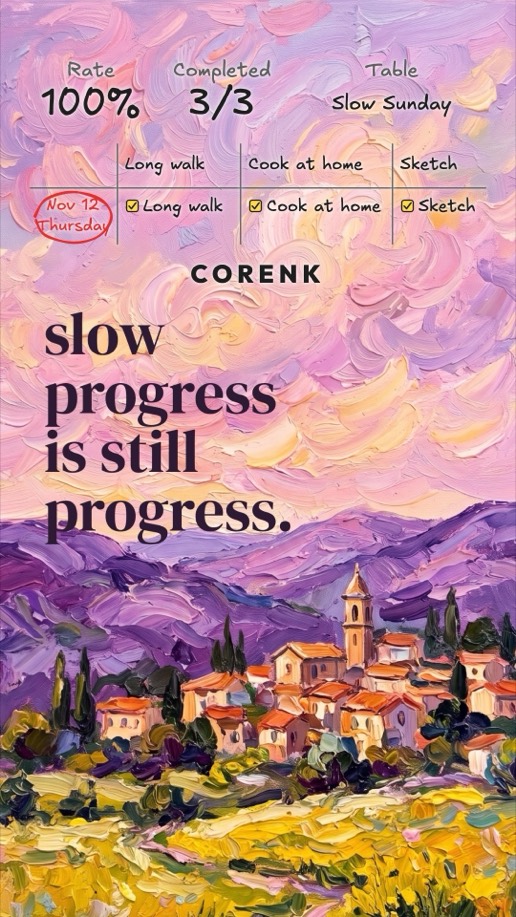
In the Corenk app you can share any table as an image with one of these wallpapers behind it. Drag the table onto the calm top of the picture and the quote stays readable under it; the image is a tall 9:16 story you can post or send.
My morning
Slow Sunday
Small steps
New year
Download a wallpaper below and save it to your photos.
Open a table in Corenk and tap Share table.
Under Background, choose Gallery and pick the wallpaper.
Pick the days and categories to show, drag the table where you want it, and share.
The share a table guide walks through every option, from the shape of the image to which routines go in.
All seven wallpapers
Tap a link to get one wallpaper, or the button above for all of them.
A line on your lock screen works best when it points at one small thing you do today. Pick the wallpaper whose words fit the habit you are building, then give the habit a place where you can see it:
Choose one habit for this week, small enough to do on a slow day.
Open the image on your iPhone, tap Share, then Use as Wallpaper. Pinch to place it and tap Add. The top of each wallpaper is kept calm for the clock.
Do they work on Android?
Yes. Open the image in Photos or Gallery and choose Set as wallpaper. They are made for a tall iPhone screen and the words stay away from the sides, so a wider Android screen can crop them.
Are the wallpapers free?
Yes. Every image and the zip are direct downloads, with no email address and no sign-up.
Who wrote the quotes?
We did. Each line is short and about habits, discipline and small steps, written for a lock screen you see many times a day.
What size are they?
1290 × 2796 px JPEG, the full screen of a current iPhone.
Can I put my habit tracker on these wallpapers?
Yes, in the Corenk app. Save a wallpaper to your photos, open a table in Corenk, tap Share table, choose Gallery under Background and pick the wallpaper. Your table is drawn over it, ready to post or send.
What does the shared table show?
The table's name, how many routines you crossed off that day and the rate, the routines themselves with today's date circled, and the Corenk wordmark. You choose which days and categories go in.
Where does the table sit on the wallpaper?
It starts in the middle. Drag it up onto the calm top part, where a lock screen keeps its clock, and the quote stays readable below it.